
To sign up a patient to the app using an activation code, please follow these steps:
- In the menu, select Patients

- Search for the patient or select from the Recently dispensed customers list
Please note: You may search by name, address, medicare number or date of birth.
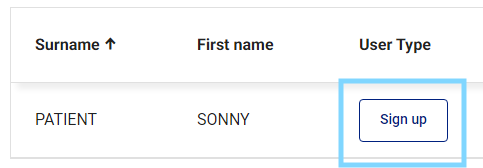
- Patients who are NOT previously signed up to App or SMS reminders or Unsubscribed will show Sign Up under User Type. Select Sign up.
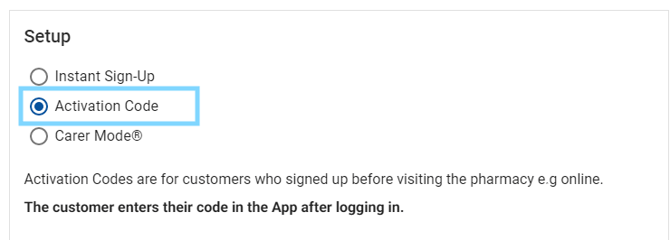
- The Sign up patient pop-up will appear with App and Instant Sign-up is preselected. You can also view the patients Drug profile. Select Activation Code
Please note: Patient information including name, mobile and email will pre-populate from dispense
- Under Patient details enter the patient's mobile number and e-mail address. Also, enter your Staff initials to indicate that the patient consents to the app sign up

- Select Generate Activation Code to view the 6 character code. Select Print Activation Code to print and hand to the patient.

- The patient must enter the code into the app to verify their account.
Please note: Activation Codes expire after 10 days.