
Patients who have been dispensed medication from a pharmacy without MedAdvisor, but would like to view the medication on their app.
Until medication has been dispensed by a pharmacist, the script will not appear on a patient's MedAdvisor profile.
For patients to see what medications they currently have, pharmacists can manually add medications to a patient's profile until it is dispensed and uploaded automatically.
Please note: We recommend to defer scripts in dispense instead of the below process.
Please follow these steps:
- Select Patients

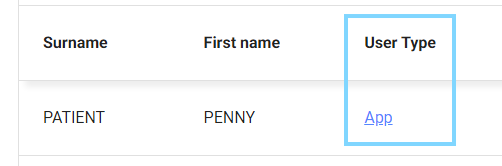
- Search for the patient and under User type, select App
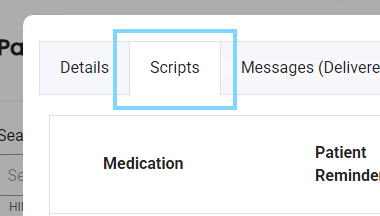
- Select the Scripts tab
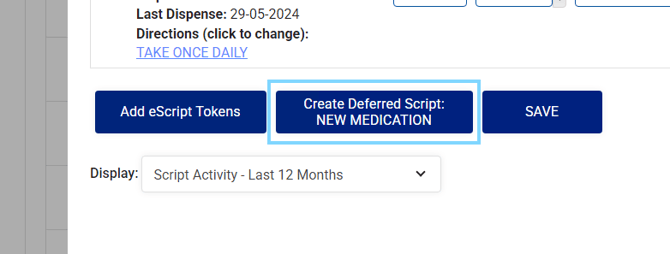
- Click "Create Deferred Script: NEW MEDICATION"
-
Add the script details. The repeats authorised should only include the number of repeats remaining
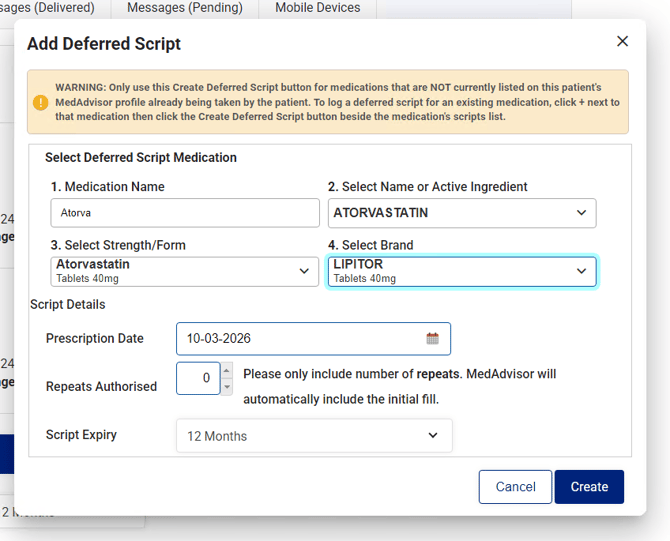
- Select Create
Please note: Once the script has been dispensed at the pharmacy, the script will update on the patient's profile. You will not need to remove the medication you have manually added.