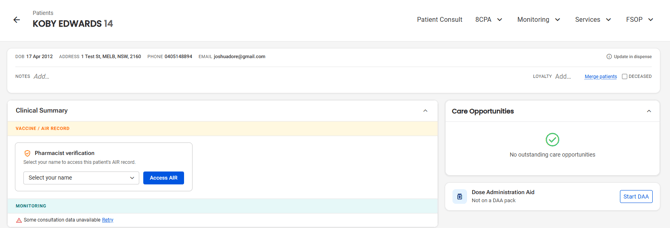
Please follow these steps:
- In the menu, select Patients

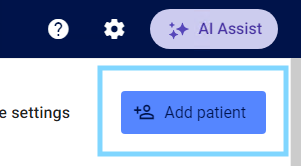
- Select Add patient in the top right-hand corner
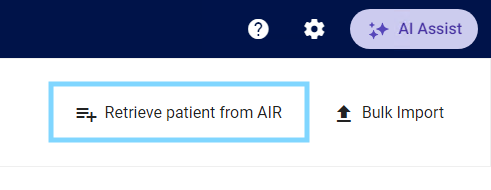
- Select Retrieve patient from AIR
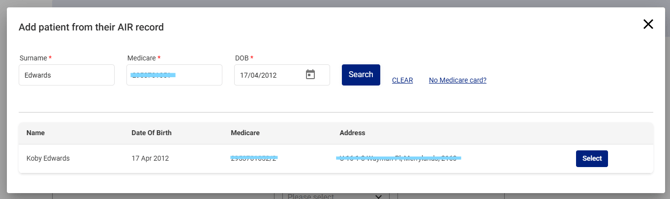
- Enter Surname, Medicate and Date of birth and select Search

Please note: Medadvisor for Pharmacy will check for duplicates to prevent multiple records for the one patient.
- If the patient does NOT have a Medicare card number, select No Medicare card?

- You can add the patient without entering a Medicare card by entering First name, Surname, DOB and Postcode and select Search

- Matching patients will display. Click Select next to the matched patient
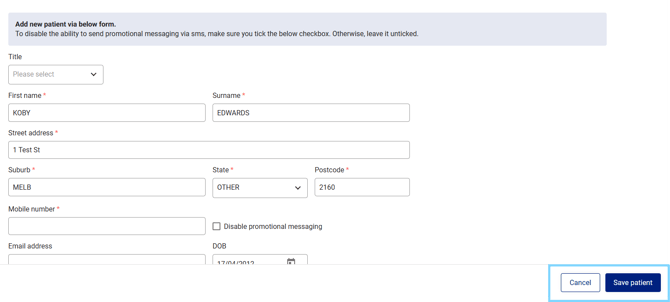
- The patients' details will pre-populate into the Add patient screen. Confirm all details are correct and enter all compulsory fields e.g mobile number. Add the patient to any Communications Groups. Select Save patient
- The patient dashboard will open and you can select a service and record all details.