To access your Tap-to-refill app settings in Medadvisor for Pharmacy, please follow these steps:
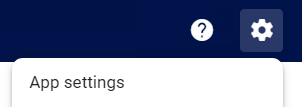
- Select Settings in the top right-hand corner of MedAdvisor for Pharmacy and select App Settings
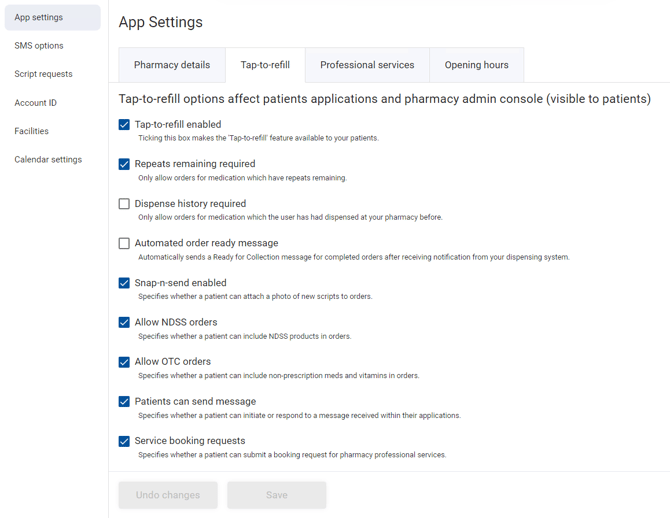
- The Tap-to-refill tab allows you to update your tap-to-refill options that affect patient apps. Select the tick-box next to each setting to enable them including patient messages, allowing OTC and NDSS orders and more
- Select Save