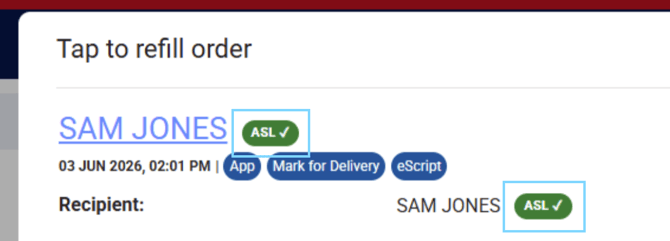
Medadvisor and Medadvisor powered app patients can connect via the Active Script List (ASL). When a patient has connected their app to the active script list, you will see the ASL chip next to their name when they place an order.
Please note: If you do NOT see the ASL chip, you can advise the patient that you can generate an ASL / MySL code in your dispense system and advise them to connect their prescriptions
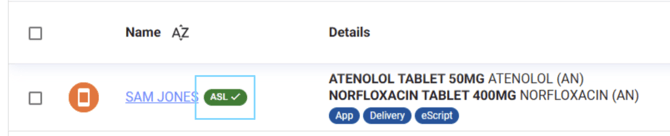
- When processing the patient's order you will also see the ASL chip next to their name