
- In the menu of Medadvisor for Pharmacy, select Bookings
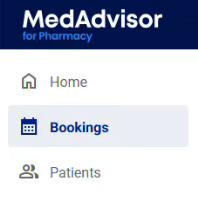
Booked services is preselected.
 Please note: If you have not integrated your Healthengine bookings, please contact support@medadvisor.com.au
- Today's date is always pre-selected. Select the Calendar icon or use the arrows to toggle back and forth between dates

- Each booking will show the Booking time, the patients Name, Service type, if the pre-screening checklist is provided or not under Screening and the patient's Mobile number
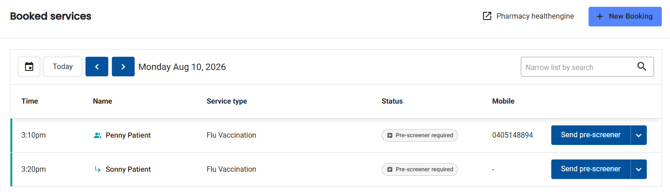
- Select the dropdown arrow and select Record service to open the booked service form.