
Please follow these steps:
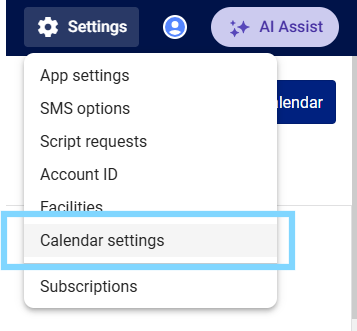
- Select the Settings icon and choose Calendar Settings
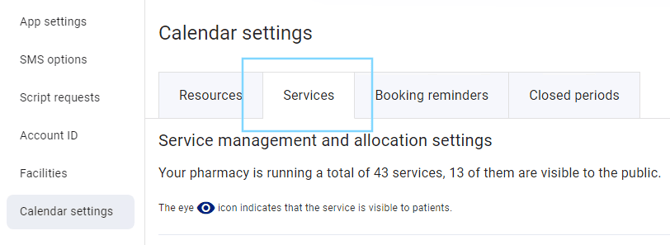
- Select the Services tab
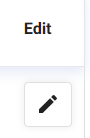
- Scroll down to locate the service you would like to link to bookings and select the pencil icon to edit
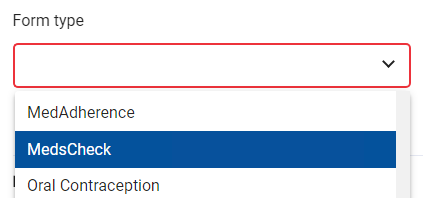
- The Edit service pop-up will appear. Select the Form type drop-down and select which form type you would like to link
- Select Save
When patients book for this service, the form will be linked in the patient booking on the calendar.
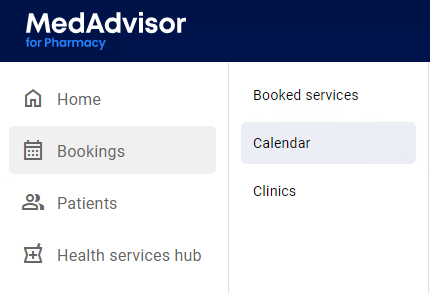
- Select Bookings in the menu and select Calendar
- Select the booking
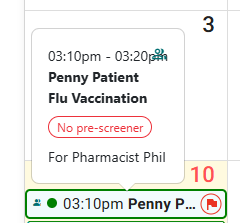
- Select Record Service

The linked service form will open automatically, with the patients' details filled out.