Please follow these steps:
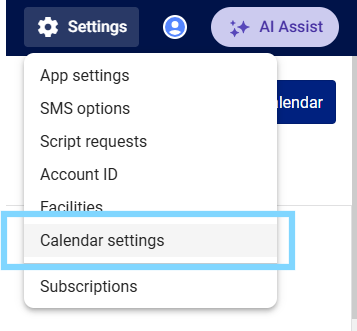
- Select the Settings icon ⚙ in the top right-hand corner of MedAdvisor for Pharmacy and select Calendar settings
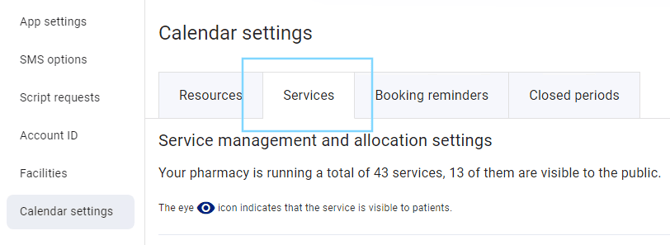
- Select the Services tab
- Select Add a service to manually add a new service to a location
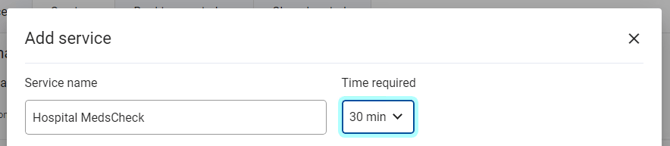
- You can also edit an existing services' name (if added manually), time required, location and performing staff by selecting the pencil icon next to each service name
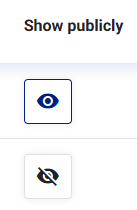
- To make a service visible OR hide a service from patients. select the eye icon