Please follow these steps:
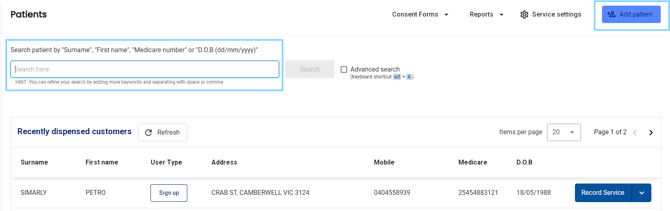
- In the menu select Patients

- Search for the patient or select from the recently dispensed customers list and select Record Service
- Below Patient information, select View detail in the Dose Administration Aid (Active) section.
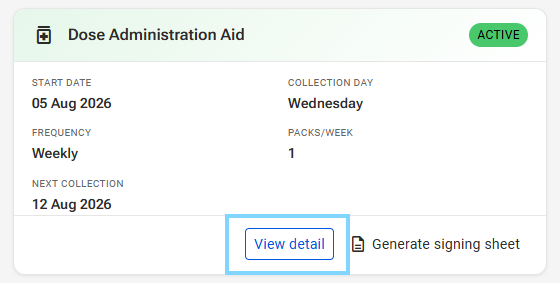
Please note: The tab will only show as active if a DAA service has been initiated in the past.
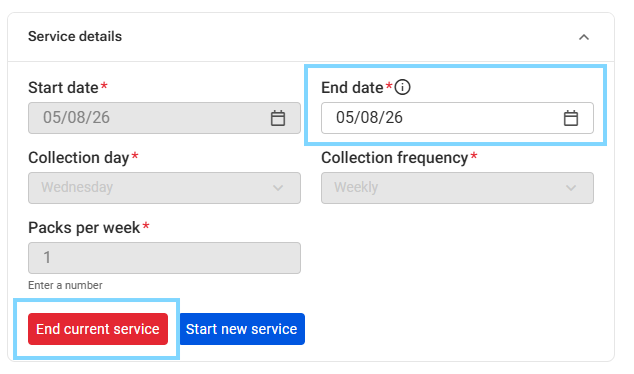
- Under Service details ensure an End date is entered and select End current service
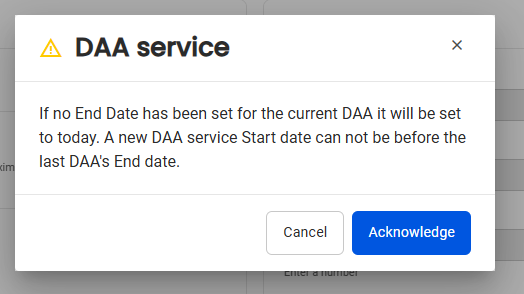
- Select Acknowledge on the DAA service pop-up
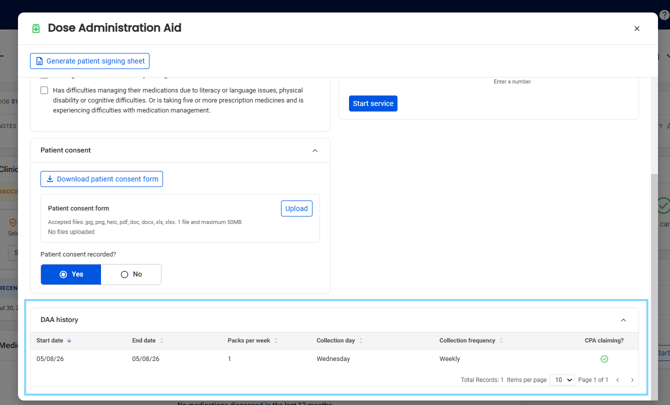
- The service details will appear in DAA history