
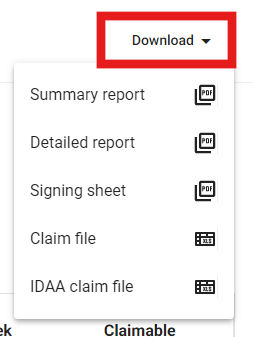
Medadvisor for Pharmacy allows you to generate the following reports for Dose Administration Aid (DAA) services:
- Summary report
- Detailed report
- Signing Sheet
- Claim File
- IDAA claim file
Please follow these steps:
- In the menu select Patients

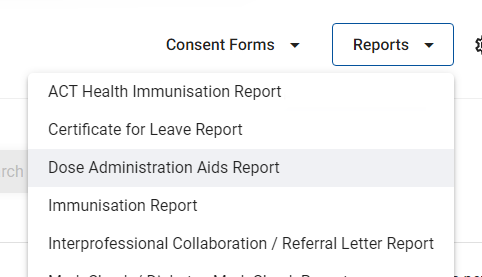
- Select Reports in the top right-hand corner

- Select Dose Administration Aids Report
- Select the date range of the report you would like to generate
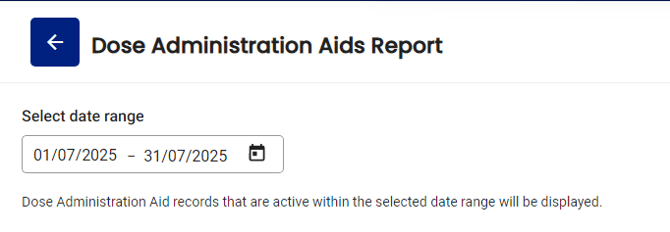
Please note: This month is always pre-selected
-
You also have the option to filter by Surname, First name, Medicare number, DVA number and Claimable status

The report is visible and shows you patients by surname, first name, address, start/end date, schedule, packs per week and what type of eligible claim can be made for the service.
- Select Download and choose which type or report you would like to generate
The file will download and can be checked with claim files in the correct format to be uploaded to the PPA portal