
Please follow these steps:
- In the menu select Patients

- Search for the patient or select from the recently dispensed customers list and select Record Service
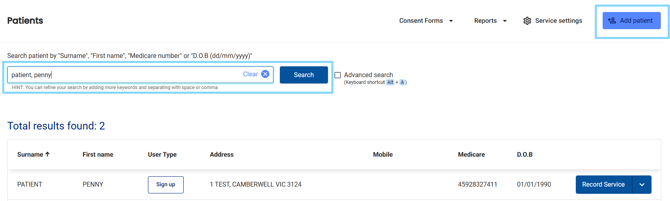
- In the Dose Administration Aid section, select Start DAA
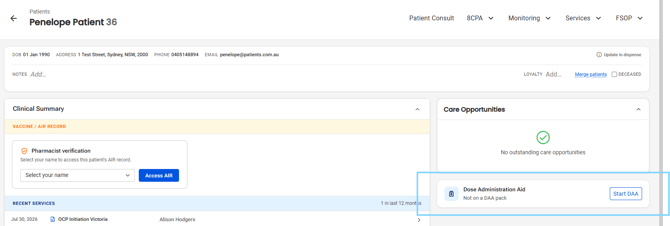
- The Dose Administration Aid pop-up will appear. Select Download patient consent form to print the consent form for the patient to sign.
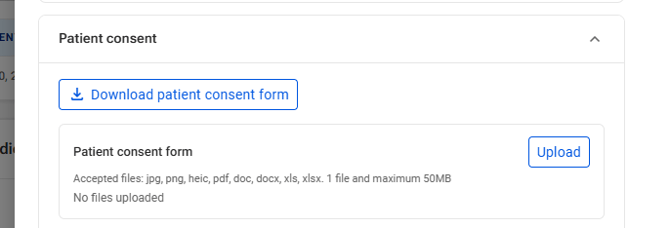
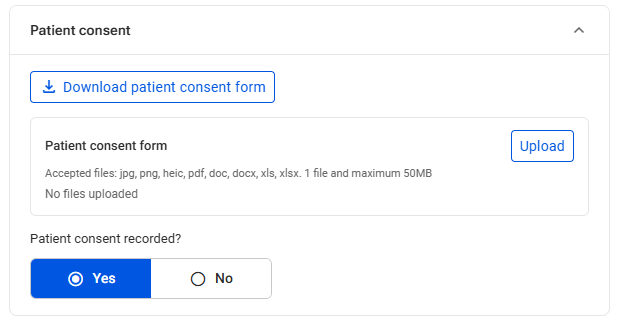
- Select Upload to attach the signed patient consent form and select if Patient consent was recorded, yes or no.
-
Under CPA dose administration aids, select the check boxes that apply to the patient
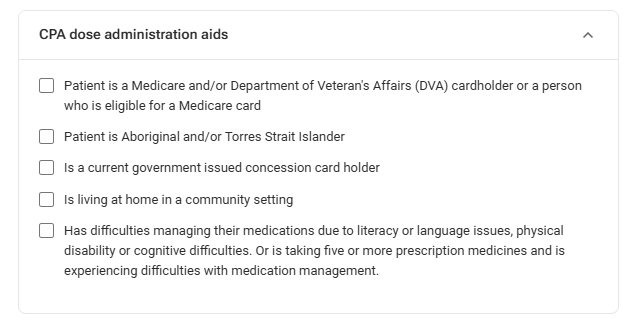
Please note: You answers will determine CPA eligibility and you will see if the patient is eligible

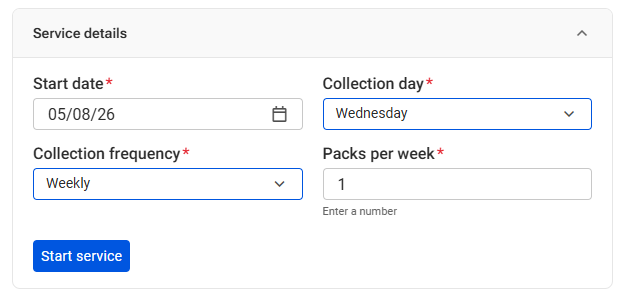
- Under Service details, select the start date (today's date is pre-selected), collection day, collection frequency and packs per week and select Start service
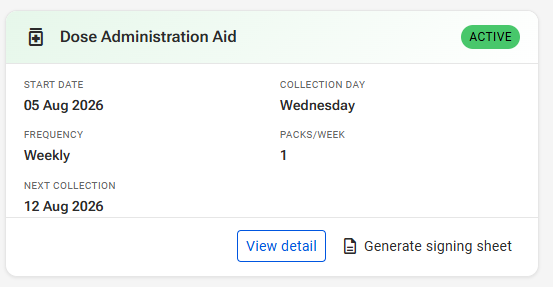
- Once the service is started, you will see that the patient is active in the Patient dashboard
You will see a banner if the patient is not eligible for CPA DAA claiming (see below).
