
Skip to content
  • There are no suggestions because the search field is empty.

Enable/disable pop-ups for Health Services

Medadvisor for Pharmacy (installed version only) displays pop-ups when you dispense. These pop-ups may include when a patient is indicated as potentially eligible for Health Services.

 To turn on/off this feature, please follow these steps:

  • Select Health Services Hub in the menu
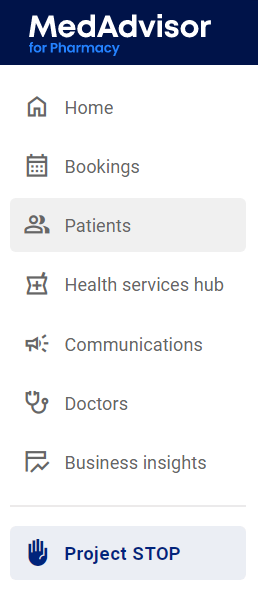
MFPProjectSTOPMenu


  • Select the tile and select the arrow in the top right corner
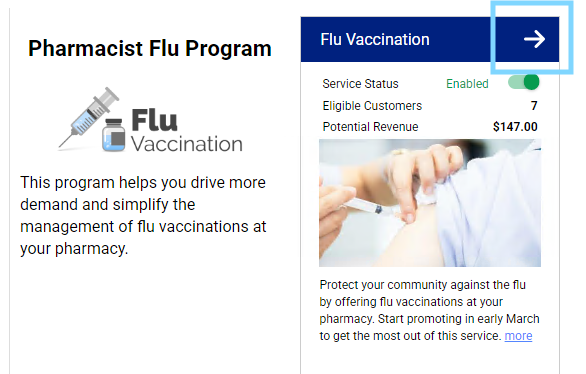
HSHtileflu


  • Select the Pop-up Notification toggle (Enabled/Disabled)
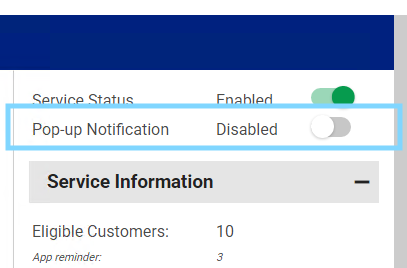
HSHPopupnotification