
Medadvisor for Pharmacy is integrated with Healthengine. To set up your integration, please email support@medadvisor.com.au or select Add ticket on this page
After your integration has been set up, you will see any Healthengine bookings in the Bookings tab under Booked Services. Please follow these steps:
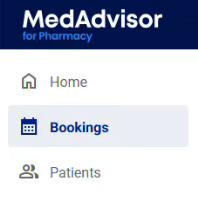
- In the left-hand menu, select Bookings > Booked services
-
You will see Today's booking by default. Select the arrows or calendar icon to view bookings for other days

Please note: If you are using the custom form feature, a PDF is now accessible with the booking in Medadvisor.
- Under Other info, select Extra details to view a PDF with the additional information from the patient, if they filled it out.
- Select the Pharmacy healthengine button at the top of the screen to launch your Health Engine bookings page.
