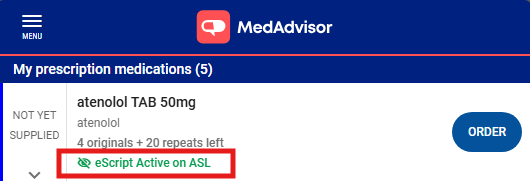
- In the patients' prescription medication list prescriptions listed will show the status eScript Active on ASL
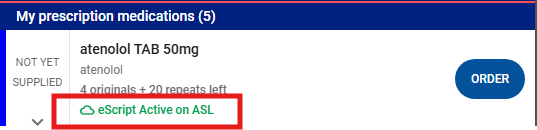
- To hide the medication, a patient can tab on the medication to show direction, the e-script token and details
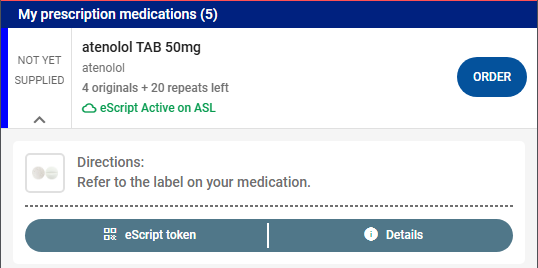
- Selecting Details will show more information. To hide a medication the patient can select Scripts & Repeats
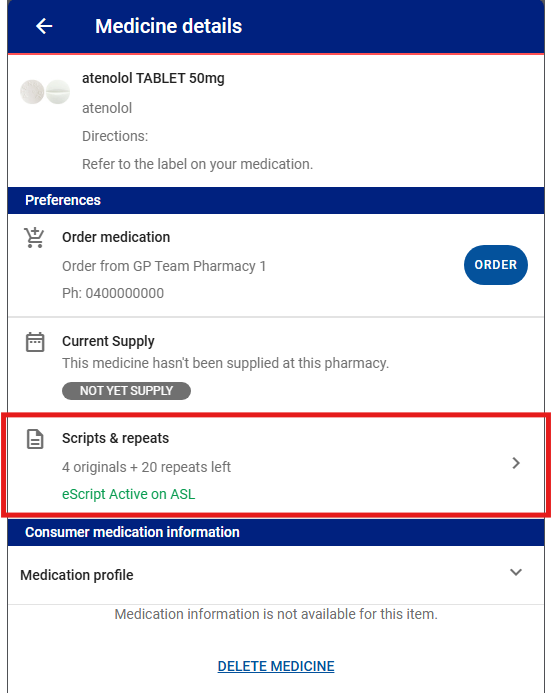
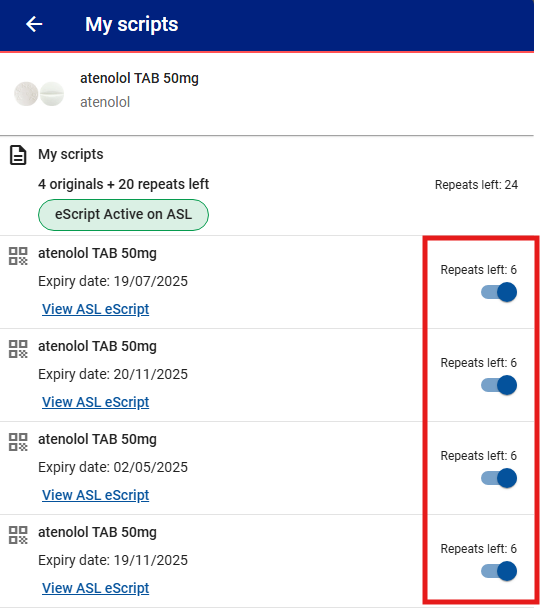
- The patient can see the e-script and the repeats. Selecting the toggle on the right-hand side will hide that repeat from the Active Script List
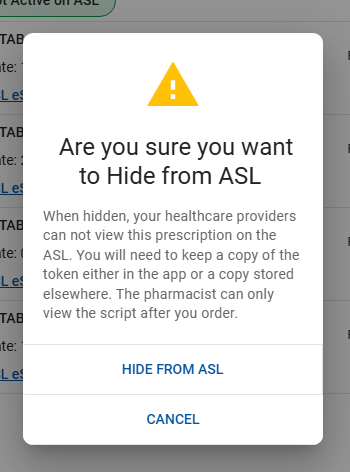
- The patient will see a pop-up confirming to hide the medication from the ASL. The must select HIDE FROM ASL to confirm the change or cancel.
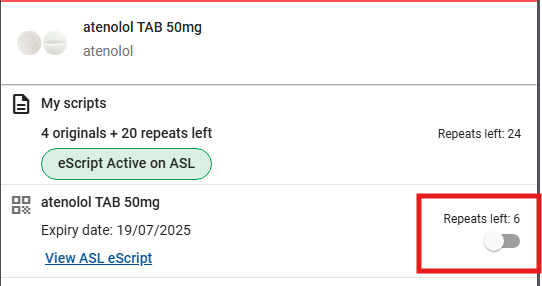
- Once hidden, the repeat will still be visible to the patient and toggle is deselected
- On the Home screen, if all repeats are hidden, the medication will now display as eScript Active on ASL with a hidden icon