
To turn off SMS Patient Adherence Program messages only, please follow these steps:
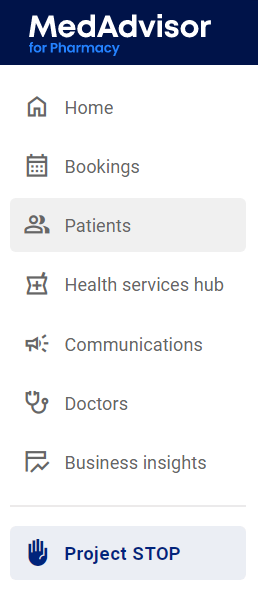
- Select Health Services Hub in the menu
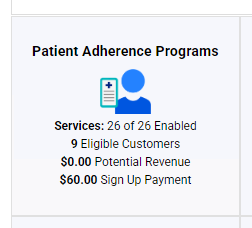
- Select the Patients Adherence Programs tile
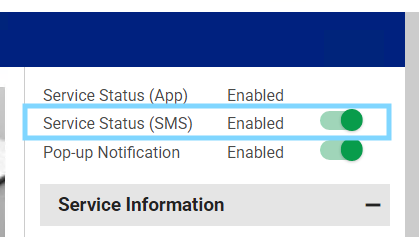
- Select the individual Digital Adherence Program tile and check the Service Status (SMS).

-
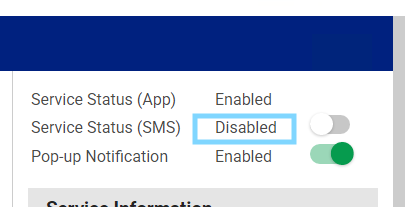
Select the toggle to disable Service Status (SMS). Once selected, the tile will appear as disabled and customers will no longer receive Digital Adherence Program messages via SMS for that program.
- Repeat the above steps for each Digital Adherence Program tile, as required.