
Watch the video, or read the instructions below, to see how a customer requests delivery via the app.
Delivery must be set up at your pharmacy for your app customers to see this feature.
How does a customer request delivery via the app?
-
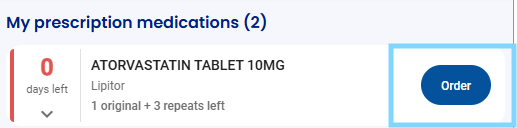
Select 'Order' for required prescriptions, NDSS items and over the counter items and select Checkout
-
Select Go to cart > Next

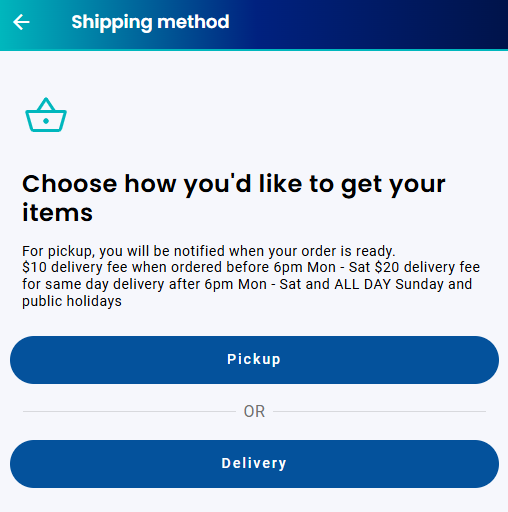
- Select Delivery
-
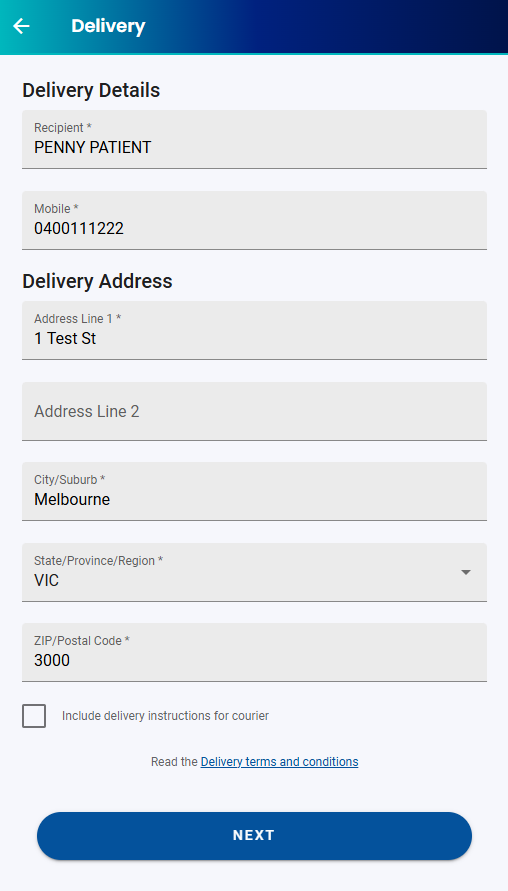
Enter delivery address details
-
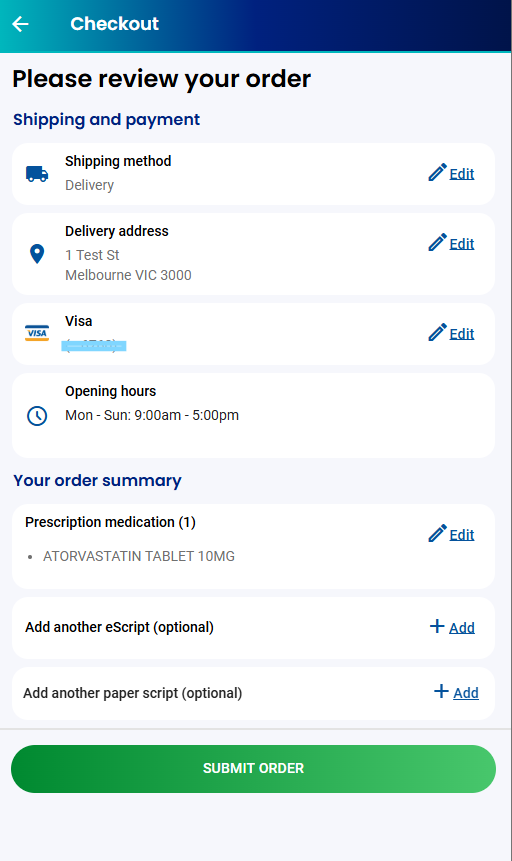
Enter credit card details (please note these will be securely saved for future orders) or, if credit card details have already been entered, review the order and select Submit Order
-
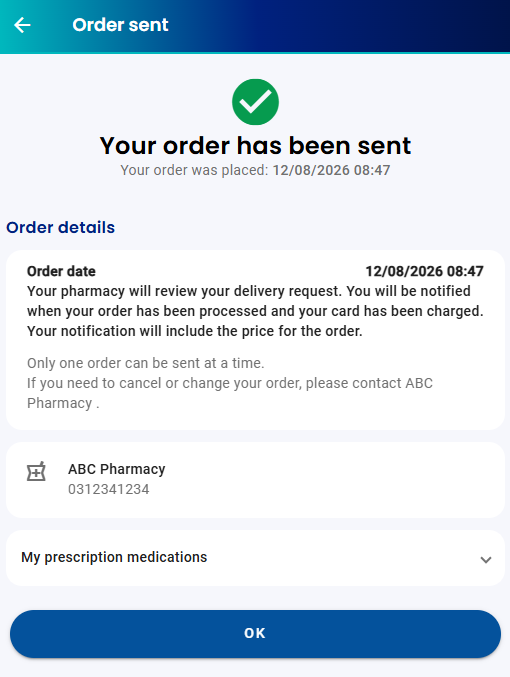
The patient will get a confirmation their order has been sent to the pharmacy with the delivery request
-
Selecting OK will return the customer to the home screen.