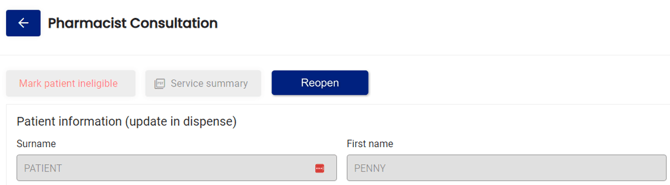
To access document history for services, please follow these steps:
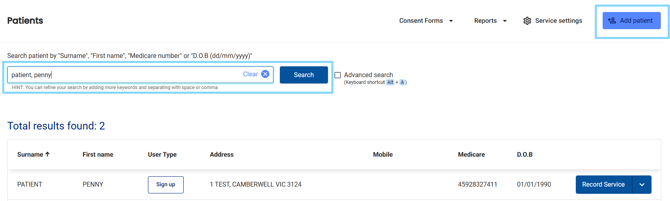
- Select Patients in the menu

- Search for the patient by surname, first name, address, medicare number or date of birth OR select from the Recently dispensed customers list
- Next to the patient's details, select Record Service
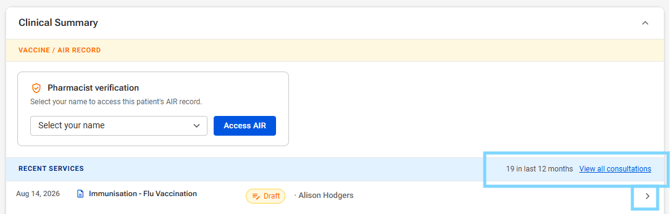
- Under Clinical Summary - RECENT SERVICES , select the arrow OR select View all consultations to view additional history and select the service
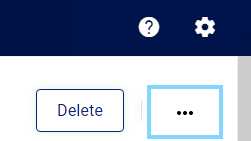
- Select the three dots in the top right hand corner of the document
- Select Document history
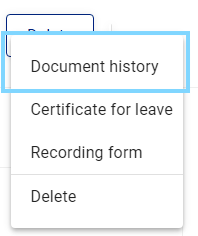
- You can then view the document history including notes and actions