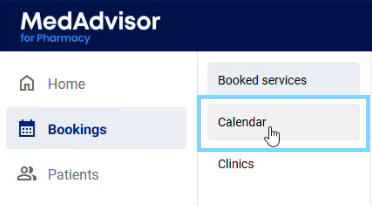
- In the menu, select Bookings and Calendar
- Select Get Public Link

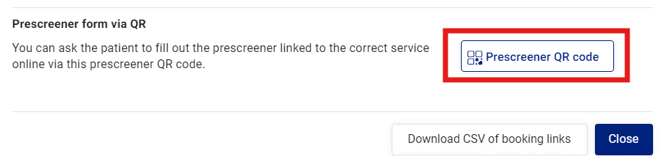
- A pop-up will appear. Select Prescreener QR Code
- A new pop-up will appear with your preseening booking URL, that can be copied AND your prescreening QR code that can be scanned using a phone. Select Print QR code to print and display in your pharmacy or clinic.
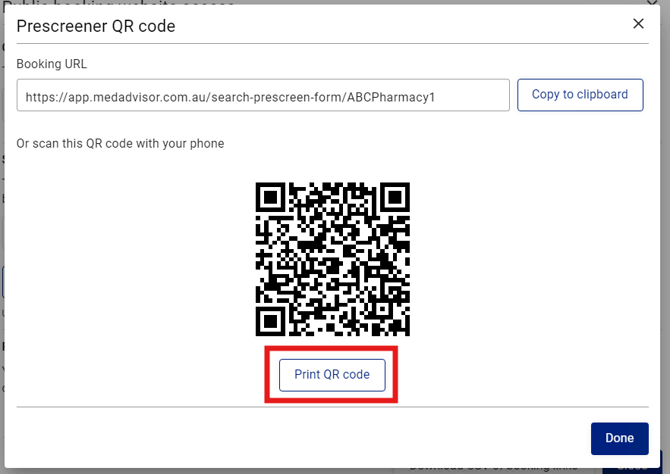
- Select Done to exit
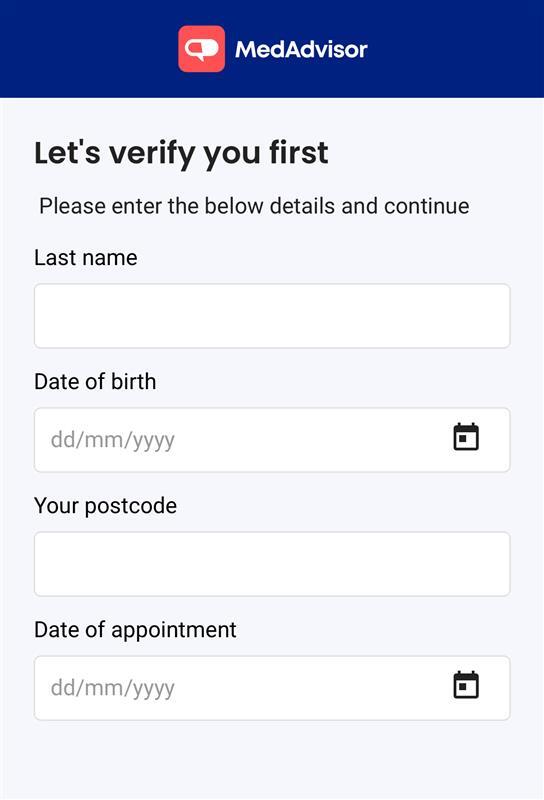
Once scanned, the patient will be prompted to verify their Last name, D.O.B, Post code and date of appointment before they are given access to the prescreening checklist for their appointment.