
Please follow these steps:
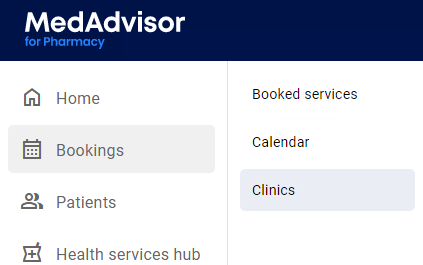
- In the menu, select Bookings and select Clinics
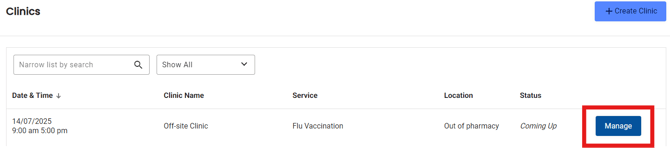
- Select Manage next to the clinic you would like the booking url or QR code from
- Select Get link in the top right-hand corner

- Your clinic booking url and QR code are visible in a pop-up and can be copied to clipboard or printed
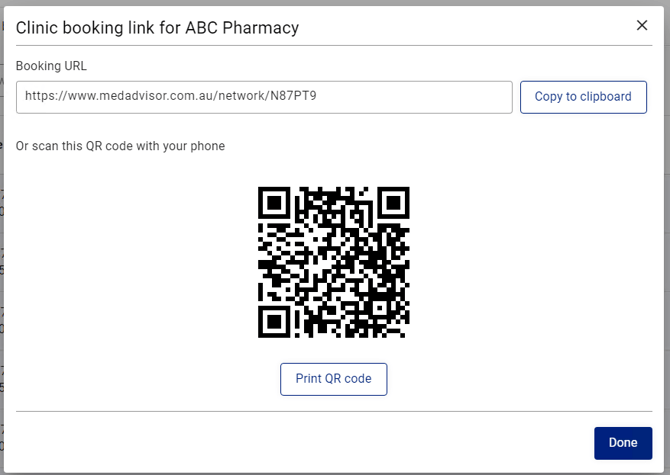
- Select Done to close the pop-up