Please follow these steps:
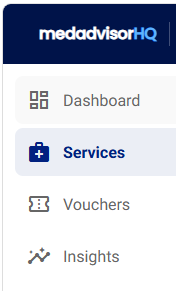
- Select Services in the menu
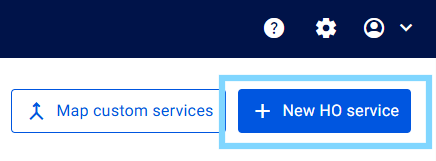
- Select + New HO service
-
Under Service details enter the Service name
- Select the Duration (minutes) of the service and enter a Fee $ (where applicable)

- Select a Form type to automatically attach an existing service form (available in Medadvisor for Pharmacy) OR leave as No form, as required

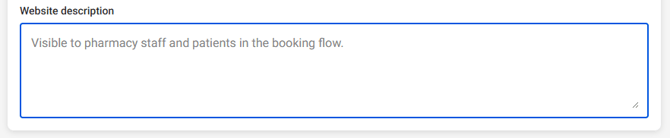
- Enter a Website description
- Select Save service

Please note: The New Head Office Service is saved but must be mapped / pushed to your pharmacies available service catalogue
- The service will now appear in your service catalogue and will be shown as Not pushed

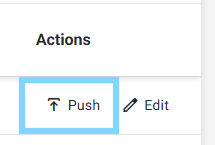
- Under the Action column, select Push
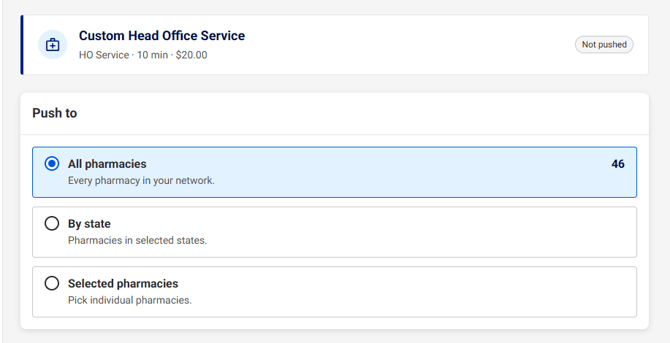
- You have the option to Push to All pharmacies, By state or Selected pharmacies
-
Under Impact preview, you will see how many pharmacies will receive the service

- Select Continue to confirm
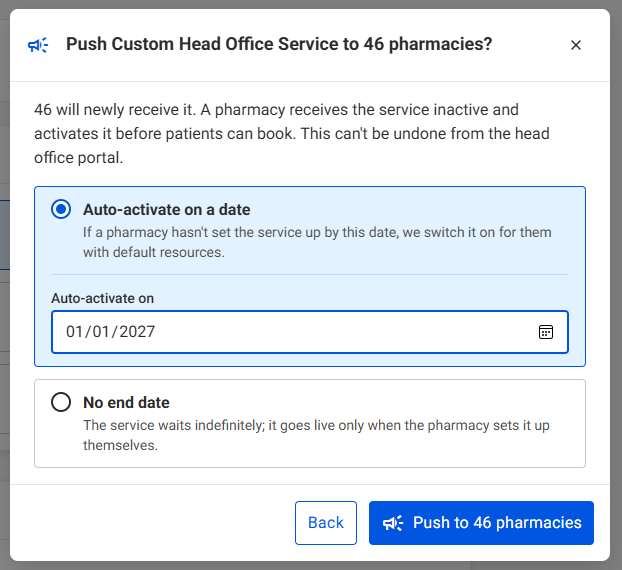
- A pop-up will appear giving you the option to Auto-activate on a date or No end date. Select your prefered option, choosing a date (where applicable) and select Push to pharmacies
-
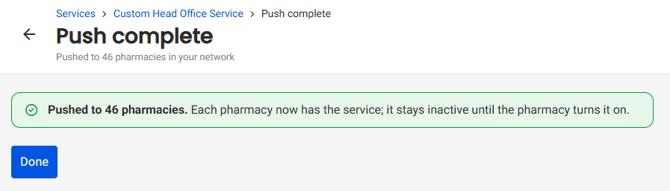
You will see a confirmation that the service is now pushed to each pharmacy selected. Select Done.