In the case where a Pay In Advance order needs to be refunded, please follow the below steps:
-
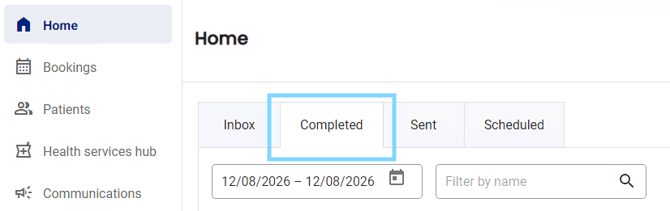
In the Inbox, select the Completed tab
-
Search for the order using the date range, if necessary
-
Click View on the order. You will be able to see if payment was successful, if it was refunded, the type of credit card used (e.g Visa, Mastercard or AMEX) and the date and amount that was refunded.