To set up a clinic, please follow these steps:
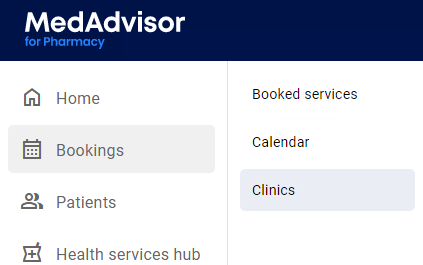
- In the menu, select Bookings and select Clinics
- Select + Create Clinic
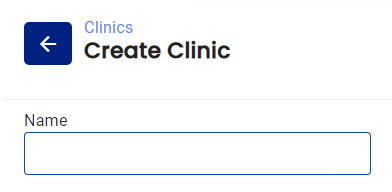
- Enter the name of your Clinic
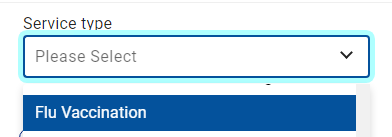
- Select the Service type drop down to select which services are available in the clinic e.g Flu Vaccination
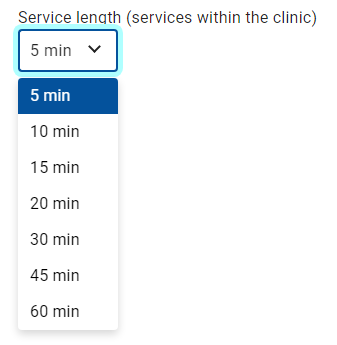
- Select Service length
- Under Location, select where the clinic will be held, in pharmacy or out of pharmacy
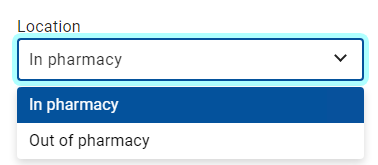
Please note: If held 'in pharmacy' you can select which existing location to assign bookings.
- If the location is 'out of pharmacy', enter the name of the external location
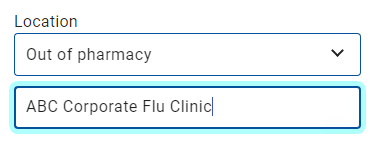
We recommend to add the address in the location to avoid confusion of the location of the clinic
- Select the + icon to add performing staff

Please note: Add new staff in the Calendar Settings
- Select which performing staff will be available for the clinic by select the check box
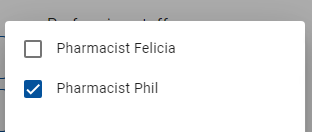
- The pharmacist will appear under performing staff where you can add additional staff
- Under Clinic timeframe, enter the date, start and end times of the clinic
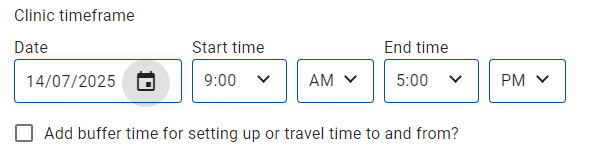
Please note: Select the checkbox next to Add buffer time to add time before and after the clinic availabilities
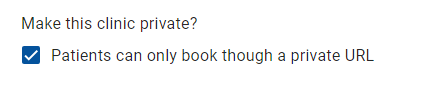
- By default, the clinic is private and patients can only book through a private URL. If you deselect this checkbox, the clinic will be publicly available via your booking URL.
- Review all of the information and select Save
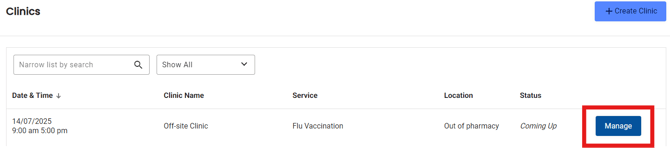
- The details of the clinic will be visible in the clinic tab. Select Manage to update and make changes.