Please follow these steps:
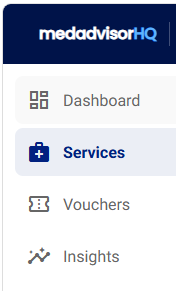
- Select Services in the menu
- Find the service and select Edit under Actions

Please note: You can only Edit HO services that were added using MedadvisorHQ
- Scroll down and select Delete service
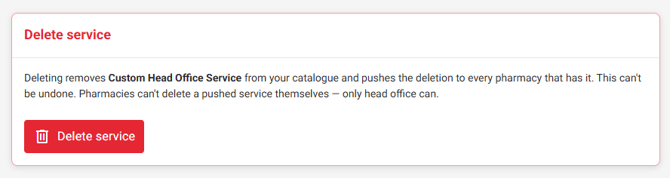
Deleting a custom head office service can NOT be undone.
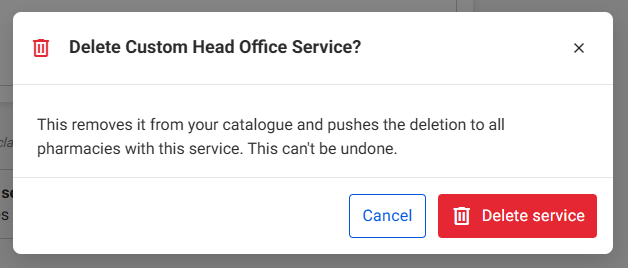
- A pop-up will appear. Select Delete service