Please note: More than 10 patient deletions will be flagged with our support team and will be processed within 1 business day.
Please follow these steps:
- In the Medadvisor for Pharmacy menu, select Patients

- Search for the patient with an existing app account and select Search
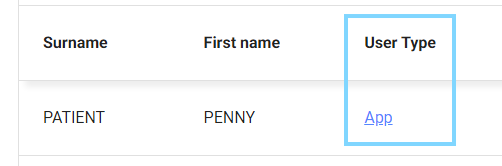
- Select App under User Type
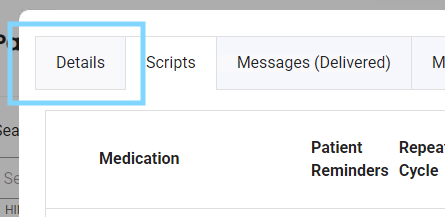
- Select the Details tab in the patient's profile
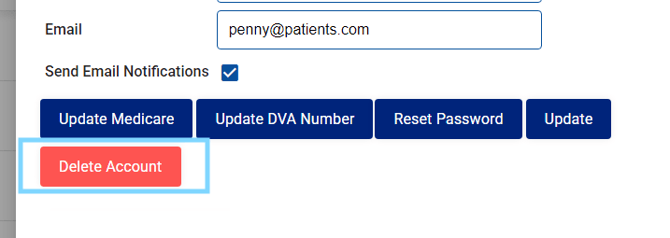
- Select Delete Account
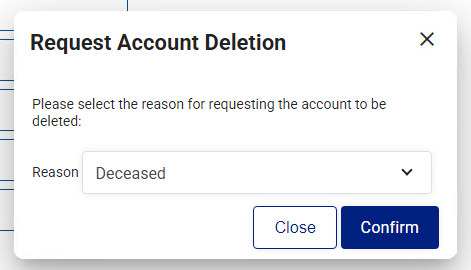
- Select the Reason for deleting the account select Confirm