
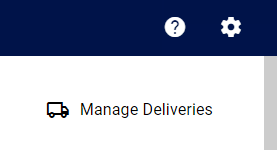
- In Medadvisor for Pharmacy select HOME and choose Manage Deliveries
- Next to each failed item you will see the reason e.g Payment has failed.
You will be able to select Dismiss next to these items.
Select Dismiss in the confirmation pop up.
Please note: The Dismiss button is not available for successful delivery.