
When recording an immunisation via Medadvisor for Pharmacy, you may email a patient their official immunisation history statement. Please follow these steps:
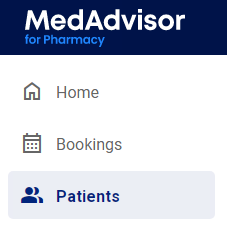
- Select Patients in the menu
- Search for the patient or select from the recently dispensed list
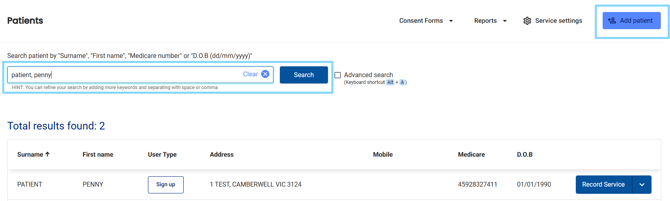
- Select Record Service

-
Select the Service drop down and choose Immunisation, Flu Vaccination or Covid-19 Vaccination form
- Under Patient vaccination details, select the Statement tab
- The statement is visible in a PDF format and can be printed. Select Send statement via email
- A pop-up will appear with the patients' email address (if previously entered into dispense OR entered directly on the form
- Confirm the patients' email address and select Send
- The patient will receive the email from Medadvisor (automated@medadvisor.com.au) with the subject: Immunisation history statement and a PDF attachment