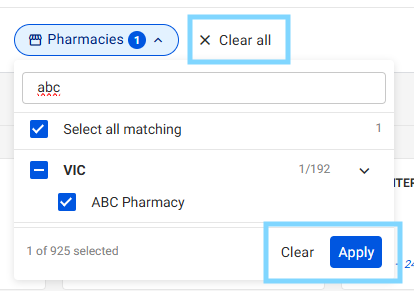
Please follow these steps:
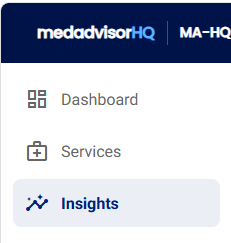
- Select Insights in the MedadvisorHQ menu
- On each sub-menu, you will see the Pharmacies filter
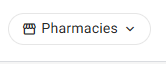
Please note: All pharmacies in your group are selected by default
- Select the pharmacies filter to filter by an individual pharmacy name/s and/or state (where applicable) and select multiple pharmacies to see their data insights
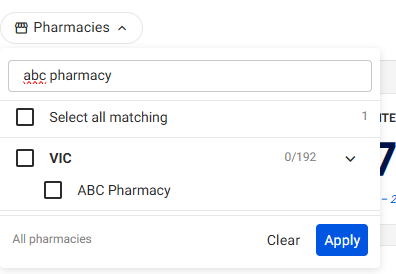
Please note: Enter the state or pharmacy in the search to filter
- Select Apply to filter and view data insights
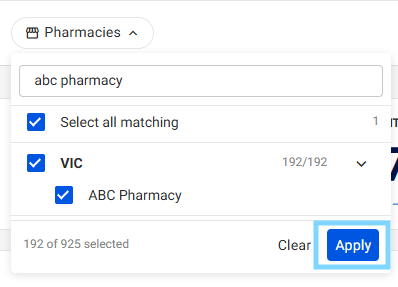
Please note: The total number of pharmacies that are filtered will appear
- You can deselect a specific pharmacy/s by selecting the x when filtering
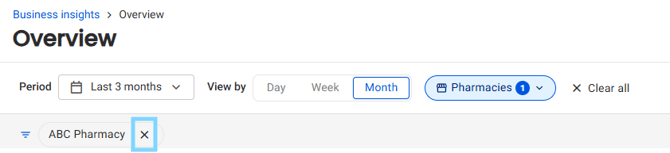
- To clear a filter, select the Pharmacies filter and select Clear all OR Clear and Apply