
Please follow these steps:
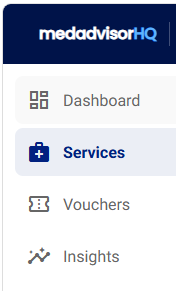
- In the menu of MedadvisorHQ select Services
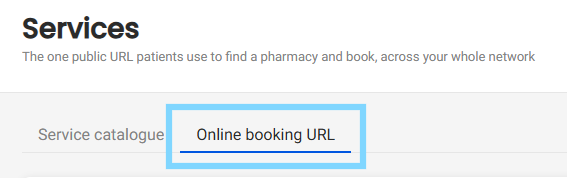
- Select Online booking URL
- Scroll down to the Pre-select a service (optional) section and select the service from the drop-down that you would like to generate an individual booking link for

- Select Generate link
- The Generated service links section will appear showing Services, URL and Actions. Select Copy URL to copy your unique service link for your group. Select Copy QR Code to generate a QR Code or See Page to jump to a web URL page with your uniquely generated service link

Please note: Patients booking via the generated service link will not be asked to select a service when making a booking. They will enter their postcode or suburb (or use their current location) to view pharmacies in your group that offer the service.