
Please follow these steps:
- In the menu of Medadvisor for Pharmacy, select Patients

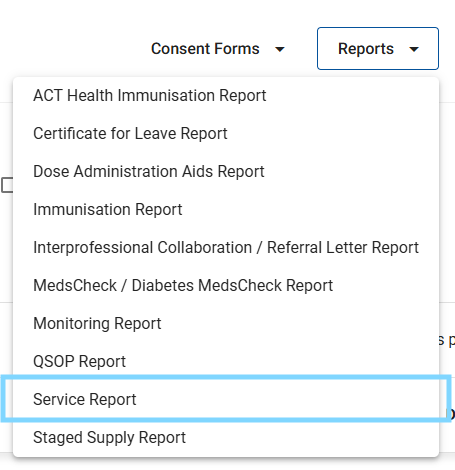
- Select the Reports dropdown and select Service Report
- Select the date range (choose the start and end date of the report)
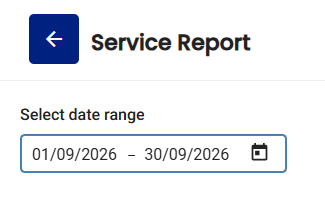
Please note: This month is pre-selected
- Enter the Consultation ID, Consultation name, Patient name and follow-up date (all optional) to filter the report

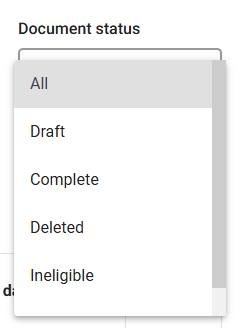
- Filter by document status (optional) to filter by completed, deleted and draft services as well as services where the patient has been marked as ineligible OR a form has been reopened (FSOP only).
- The report will show the total records and show all patient consultations based on the above filters

Please note: Select the arrow next to each consultation to view the completed document OR access a draft form to complete it
-
To download the report select Download in the top right-hand corner
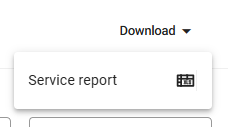
This will generate an excel file of the report that will be available in your downloads folder.