
Please follow the below steps:
- In the menu select Patients

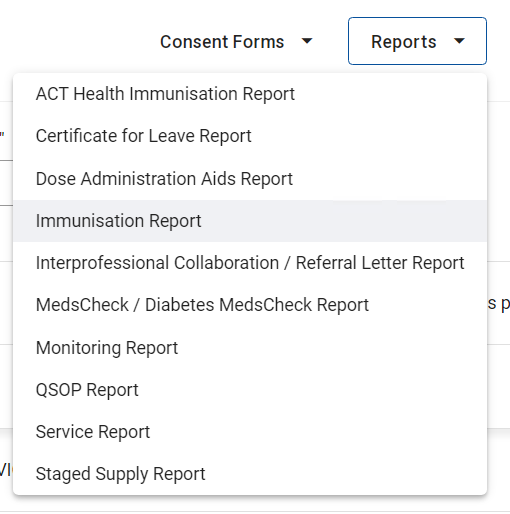
- Select Reports in the top right hand corner and select Immunisation Report from the drop down
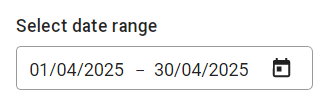
- Select the date range for the report you would like to generate. This month is pre-selected.
- Optionally, filter the report by AIR status, PPA status and Document status including successful and failed claims as well as draft and completed services.
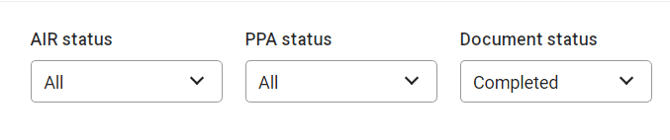
Please note: These fields are set to All by default
- A preview of the report will be shown with total records visible
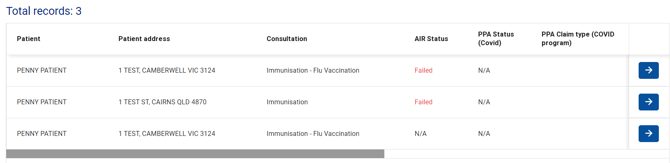
Handy hint: Use the slider at the bottom of installed version of MedAdvisor for Pharmacy to adjust the size of the records.
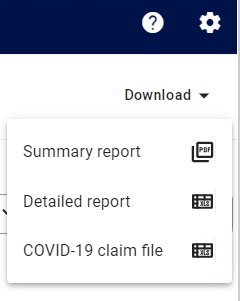
- Select Download to generate and download or print a Detailed Report, Summary Report or a Claim File (where applicable).
Please note: The reports include the voucher number, funding type and more.