The Medadvisor app is linked to knowITall Pharmacy Rewards.
To link your account, follow the below steps:
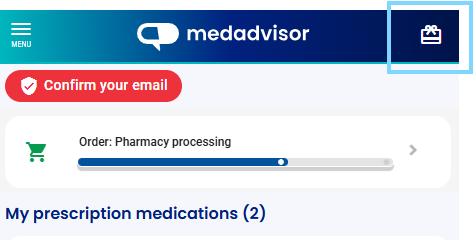
- Select the Loyalty Rewards Icon in the top right hand corner of the Home screen.
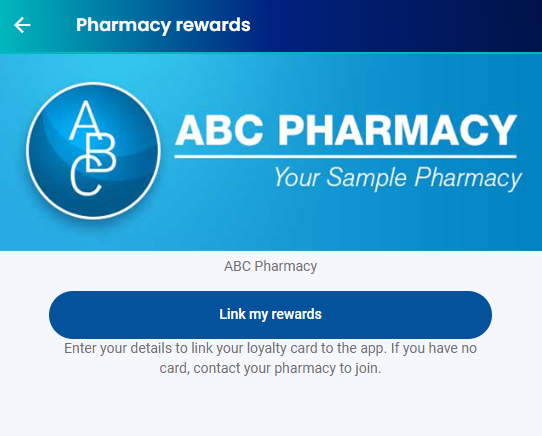
- Select Link my rewards
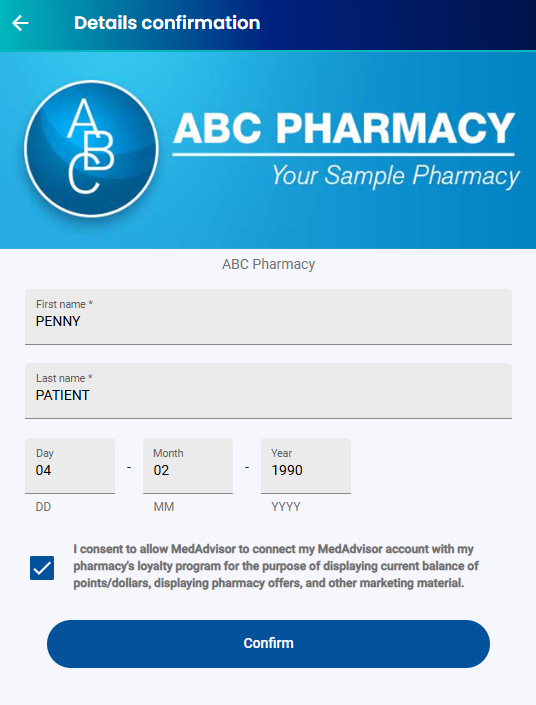
- Confirm your name, date of birth and check the consent box. Select Confirm
- Your reward points and value will load and can be viewed
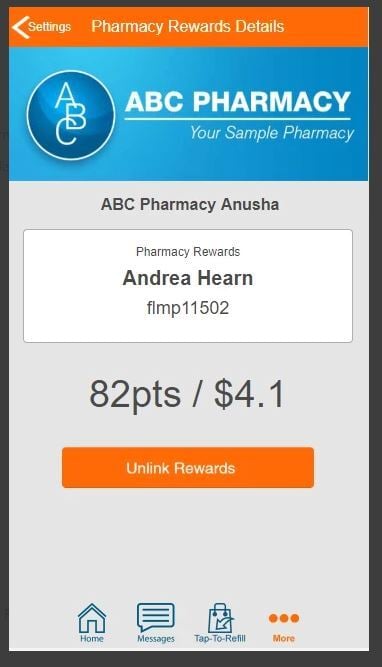
You can unlink the rewards card by clicking Unlink my rewards. The card can be linked again.
Handy Hint: The Pharmacy Rewards option also exists in the app settings menu