
Please follow these steps:
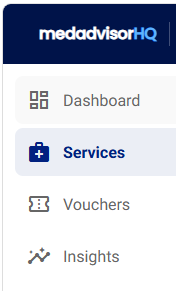
- In the menu, select Services
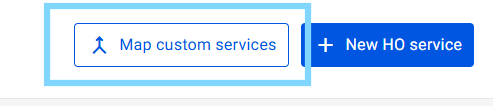
- Select Map custom services
- Enter the name of the service to include or exclude information in the name and select the checkbox next to the services listed
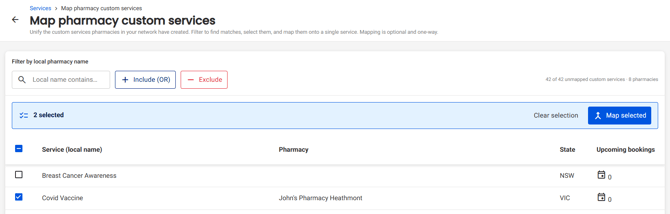
Please note: The pharmacy will appear next to each service selected
- Select Map selected

- Select the dropdown and choose the Service you would like the previously selected types to be mapped to
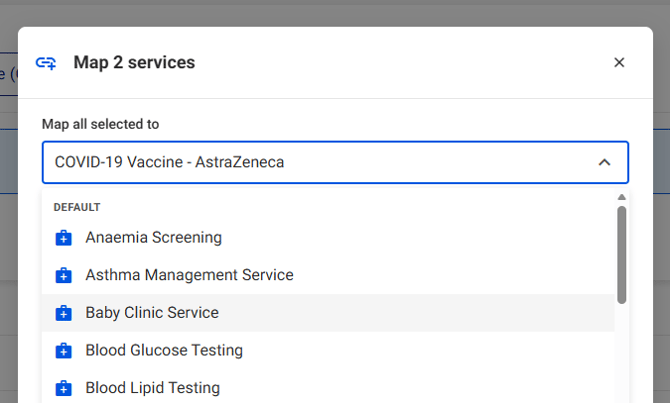
- Select Confirm mapping
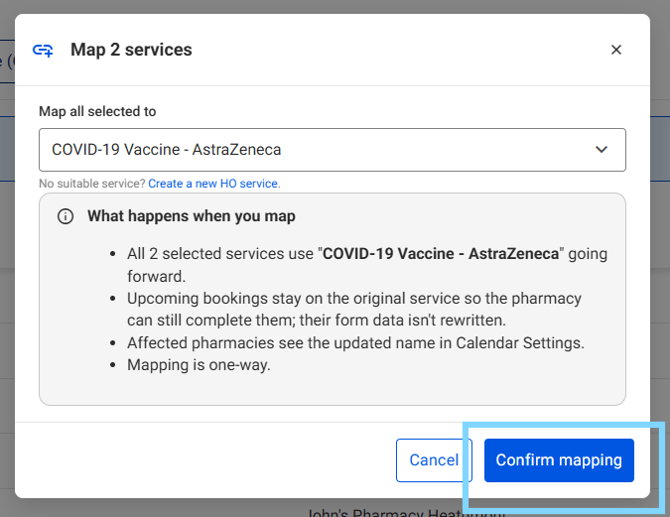
All selected service will be merged. Exisiting bookings stay on the original service they were booked. Pharmacies with services mapped will see the updated name in the Medadvisor for Pharmacy software in the Calendar Settings.