To record a Gastro-Oesophageal Reflux Disease (GORD) service in Victoria, please follow these steps:
- In the menu, select Patients
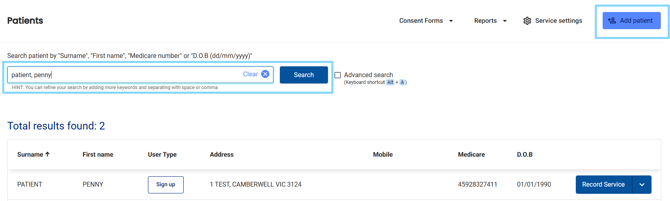
- Search for the patient, or selecting Add Patient and select Record Service
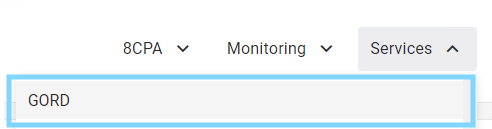
- Review the patient dashboard, including Recent Services and Care Opportunities and select the Services drop-down and choose GORD
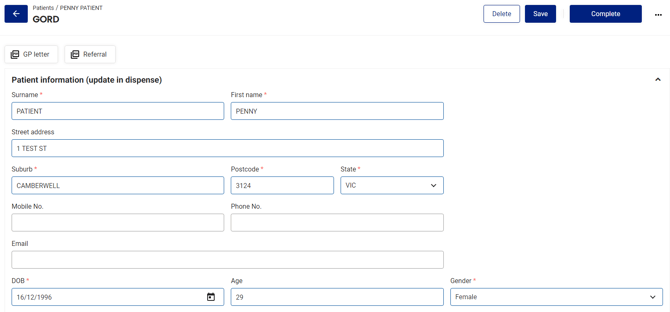
- Review and update the Patient information, ensuring all compulsory fields are entered e/g Gender
- Select your profile from the Pharmacist drop-down

- Under Pharmacist suitability, select the checkbox if you have completed the training required

Please note: Select the Protocol for Management Gastro-oesophageal reflux disease link for more information
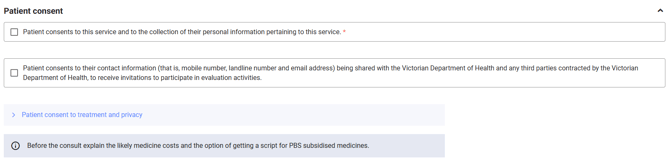
- Select the checkboxes under Patient consent when/if the patient consents, taking note to explain the likely medicine costs
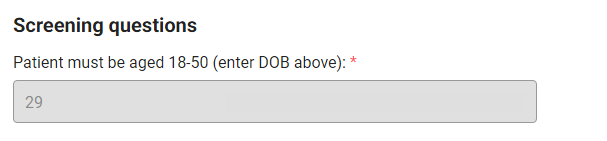
- Under Screening questions, the patients' age will be pre-populated based on the date of birth in the Patient Information
-
Under Clinical review, document the patient history and presentation aetiology and answer the questions
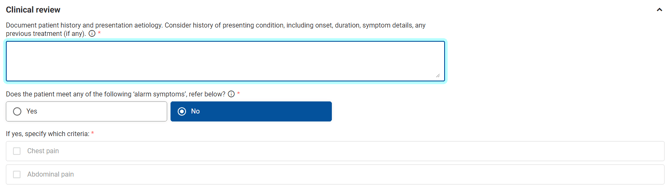
Please note: You will be alerted if the Patient does not qualify for the service and asked if you are referring the patient to their doctor.

- If Treatment conditions are met, select the appropriate checkbox including a referral as required
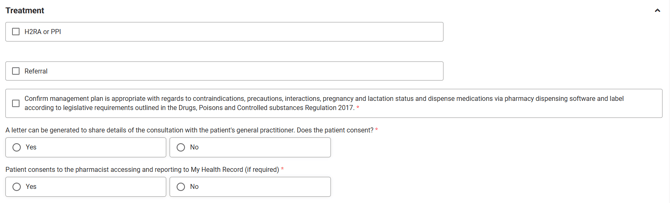
Please note: Select the check box when/if the patient consents to accessing and reporting to My Health Record
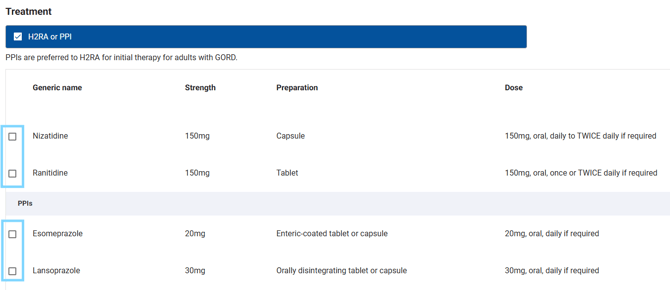
- If H2RA or PPI is selected under Treatment, select the therapy for the patient from the list
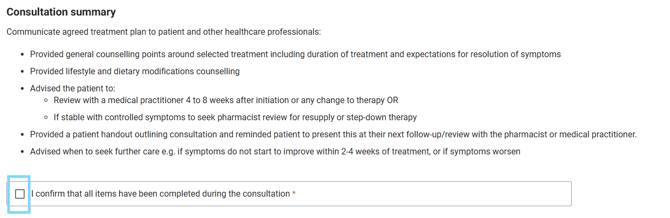
- Under Consultation summary, read and ensure the treatment plan is communicated to the patient. Select the checkbox to confirm all items have been completed
- Complete the Referral (as required) and the GP Letter
- When all compulsory fields are filled out, select Complete

Please note: The record will be saved on the Patient dashboard under Recent Services

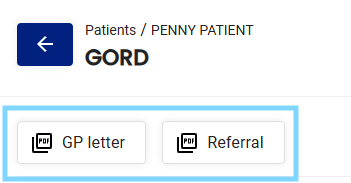
- At the top of the form, select the GP Letter PDF and Referral PDF to access the completed documents