
- Select Product Return in the top right-hand corner

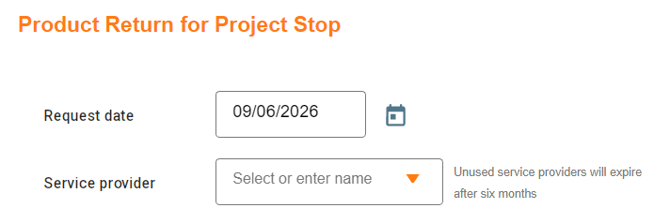
- Select Return Date and Service provider
- Select Purchaser consent check box

- Enter ID type, Issue state/country and ID number
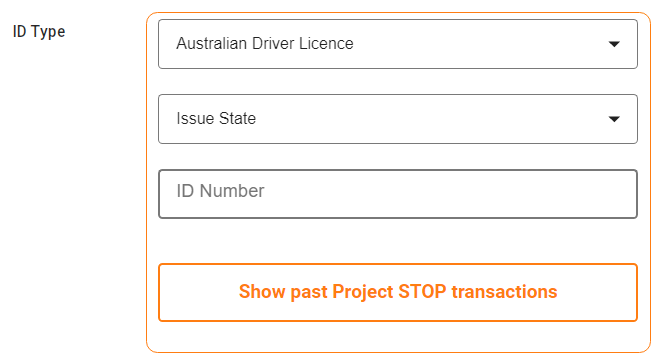
- Select Show past Project STOP transactions

- Select the product
- Click CONFIRM RETURN