
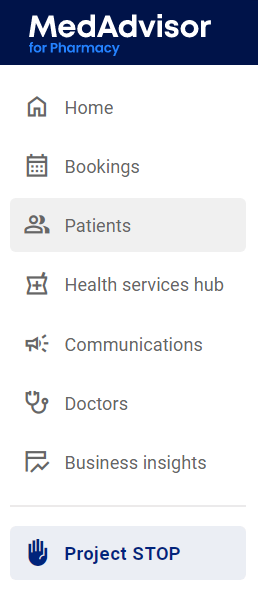
- Click Project STOP in the menu
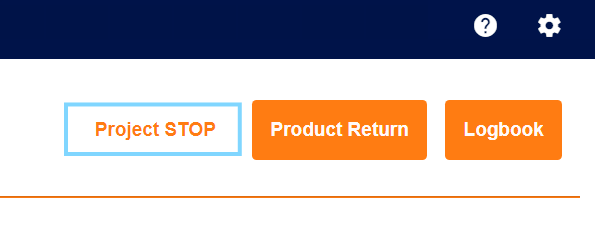
- Make sure Project STOP is selected in the top right-hand corner
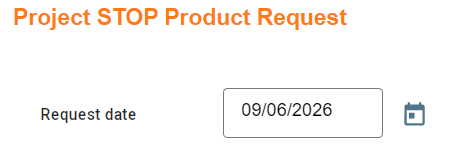
- The Product Request date will be populated with today's date
-
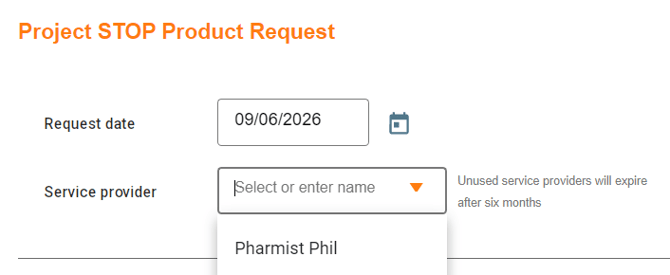
Click on Service provider and select the correct service provider from the dropdown menu or enter your name
- Select the tick box to confirm that consent has been obtained from the purchaser and print the information sheet as required

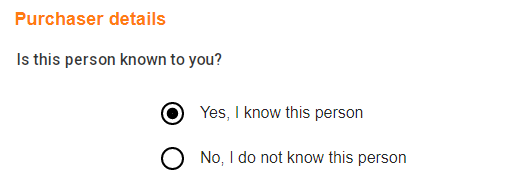
- Under Purchaser details, select if the person is known to you or not
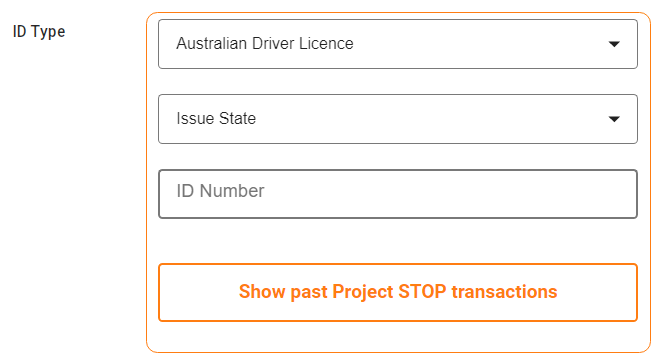
- Complete the fields: ID Type, Issue state and ID number and select Show past Project STOP transactions to view the purchasers transaction history
- Enter first name, last name, date of birth and address (optional)
Please note: If the purchaser has had a Project STOP transaction in your pharmacy, clicking 'Show past Project STOP transactions' will automatically pre-fill the purchases details