
Please follow these steps:
- In the menu of MedAdvisor for Pharmacy select Patients

- Search for the patient or view the patient in the recently dispensed list
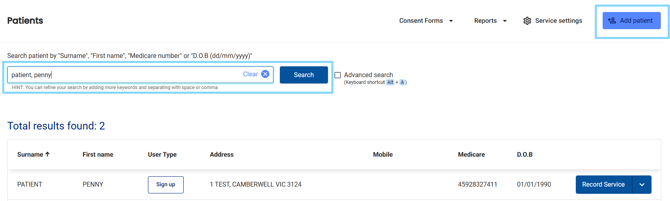
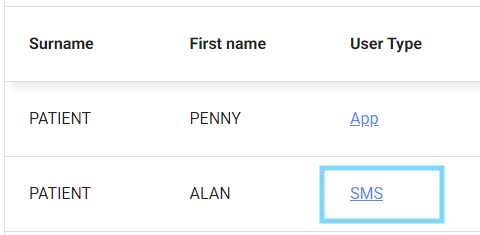
Please note: Make sure the patient's User Type is SMS
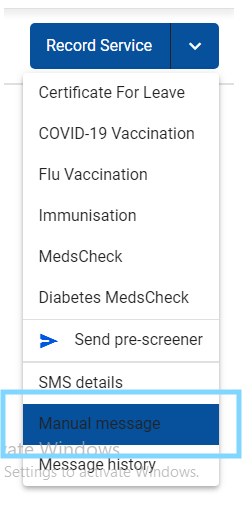
- Select the drop-down arrow and choose Manual message
- The New SMS pop-up will appear allowing to select from a template OR type directly in the Message section
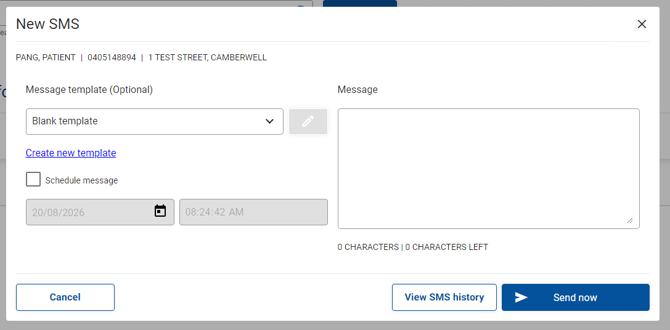
- Type your message
- Select Send now
Please note: SMS charges apply. You will receive a warning when you exceed the single SMS limit (160 characters).