IMPORTANT: You must confirm the patient's identity before updating an email address. If you are unsure or the patient can not confirm their identity, please direct the patient to update the email address in the app settings.
Please follow these steps:
- Select Patients in the menu

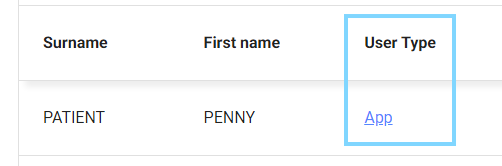
- Search for the patient or select from the recently dispensed list and under User Type, select App
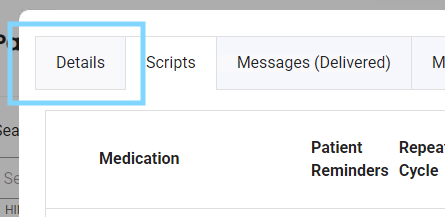
- Select the Details tab
- Enter the patient's new email address
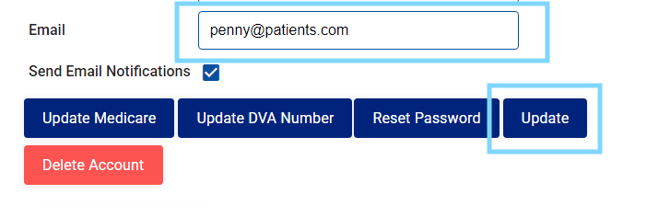
- Select Update
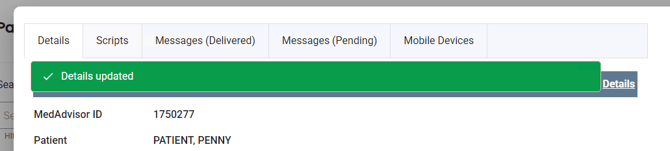
- You will see a green bar showing that the patient email address has been updated.