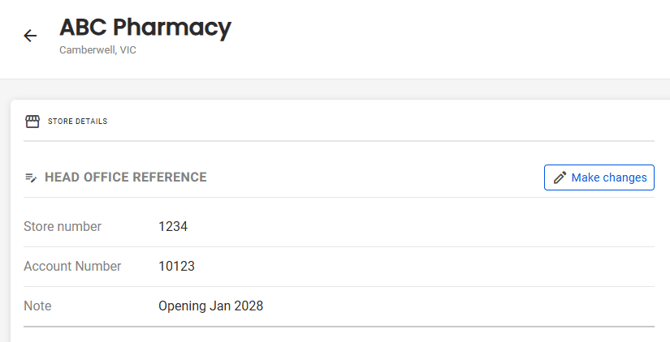
Please follow these steps:
- In MedadvisorHQ , select Dashboard
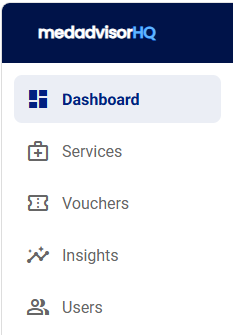
- Scroll down to the Pharmacies section to search abd select the pharmacy name

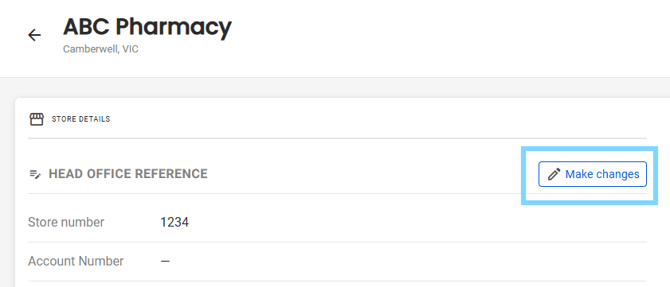
- Under Store Details, select Make changes
-
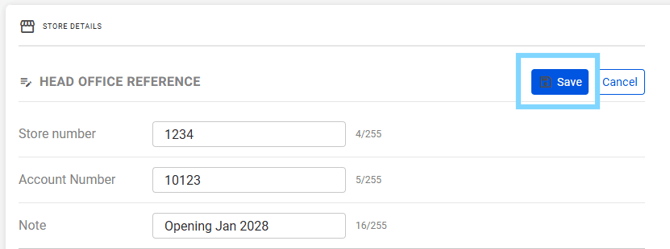
The following sections become editible:
- Store number
- Account number
- Note
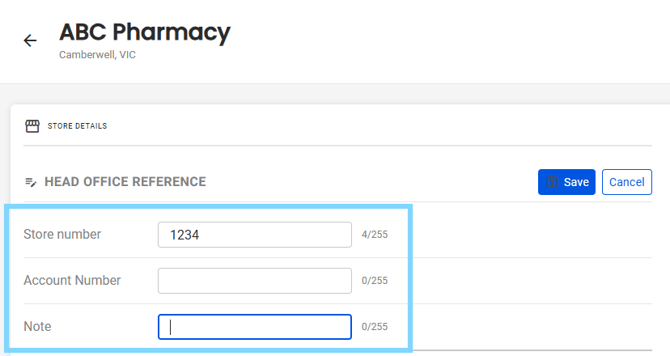
- After making changes, select Save
The pharmacies details have now been updated.