
Medadvisor for Pharmacy allows you to direct customers to your own online booking link for all services in the Health Services Hub. Please follow these steps:
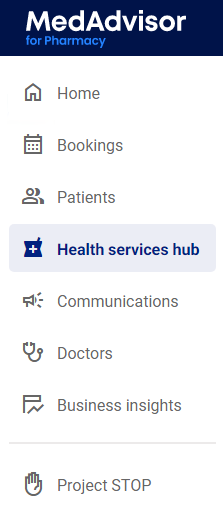
- In the menu, select Health Services Hub
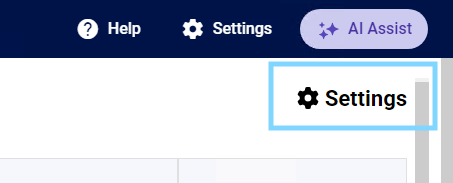
- Select Settings in the top right-hand corner
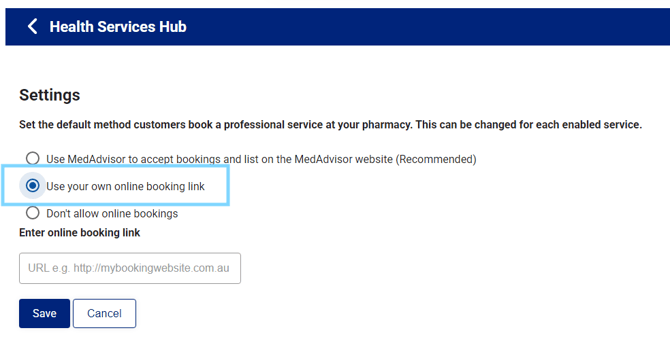
- Select Use your own online booking link
- Enter your online booking link here e.g Healthengine
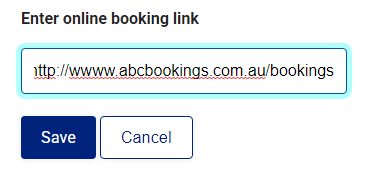
- Select Save
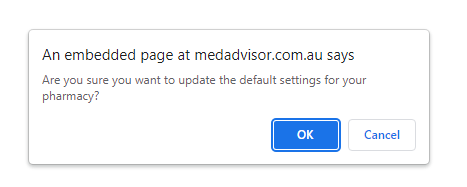
- A pop-up will appear to confirm your changes. Select OK
All bookings will now be directed to your own online booking link.
Please note: If you no longer use a third-party booking service, come back to the Health Services Hub - Settings and select Use Medadvisor to accept bookings and list on the Medadvisor website (Recommended)