
Medadvisor for Pharmacy allows you to book a patient for their next appointment on the Medadvisor booking calendar while completing the following service forms:
- Immunisation
- Flu Vaccination
- Covid-19 Vaccination
Please follow these steps:
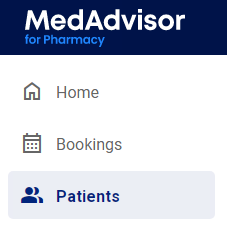
- In the menu, select Patients
- Search for the patient, add the patient or select from the recently dispensed list
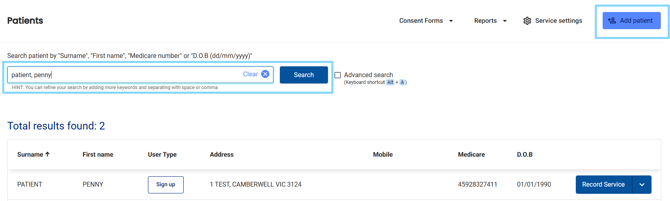
- Select Record Service

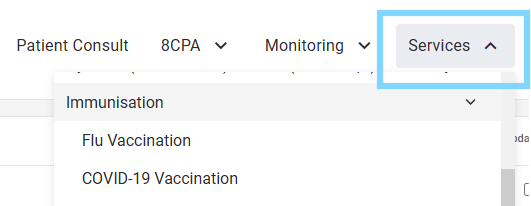
- Select one of the forms (listed above) from the Services drop-down
- Complete the service as usual, ensuring all compulsory fields are filled out e.g the patient's address
- In the vaccination details section, under Ideal next dose date, enter the date

- Once the date is entered, select Book now

- The Add a booking for a patient pop-up will appear.
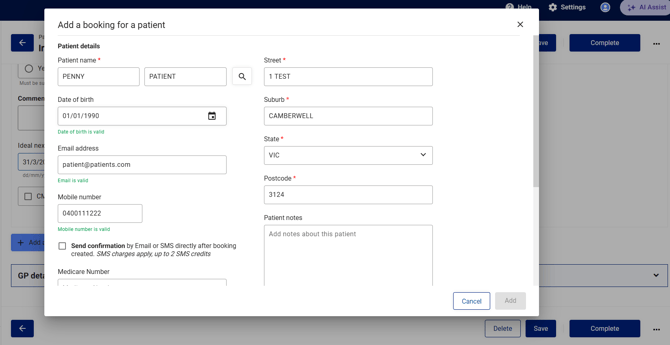
Please note: All patient details previously entered into the form will pre-populate.
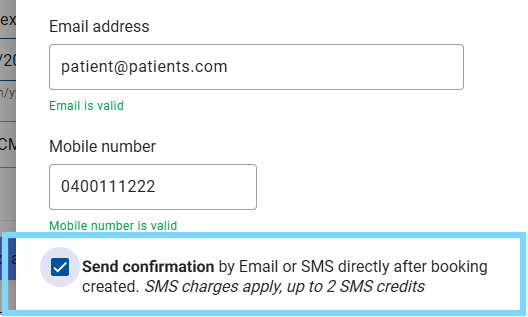
- Ensure all compulsory fields are filled out. Optionally, select the Send confirmation checkbox with the patients email and mobile number confirmed
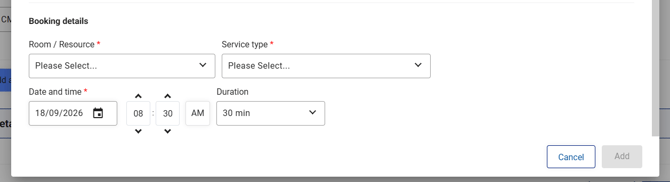
- Scroll down to Booking details, enter the Room / Resource, Service type e.g Immunisation, Date and time and duration
- Select Add
Please note: The booking will be added to your Medadvisor for Pharmacy Bookings calendar. You may continue with the form by completing the form.