Please follow these steps:
- In the Medadvisor for Pharmacy Inbox, you will see an Information notification alerting you that a Different mobile number is found in dispense with the patient's name
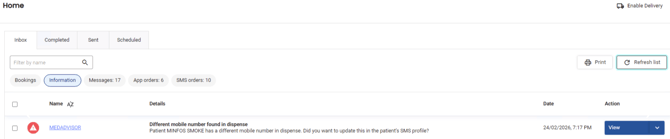
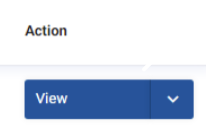
- Under the Action column, select View
- A pop-up will appear showing the current mobile number in Medadvisor for Pharmacy and the new mobile number in your dispense system. Select Yes to update to the new number or No to ignore.
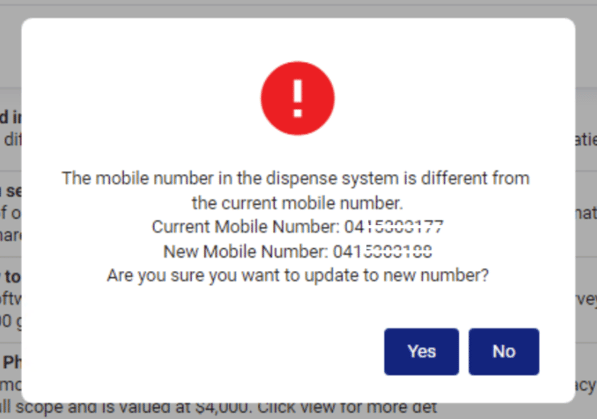
The patient's mobile number will be updated and they will continue to receive SMS reminders to the new mobile number.
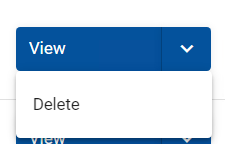
- To dismiss the message in the Inbox, select Delete