Medadvisor for Pharmacy allows pharmacists to complete a MedAdherence consultation with a patient. Please follow these steps:
- Select Patients in the menu

- Search for the patient by surname, first name, address, medicare number or date of birth OR select from the Recently dispensed customers list OR select Add patient to manually enter the patients details
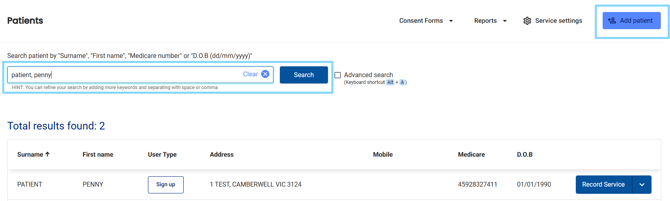
- Next to the patient's details, select Record Service

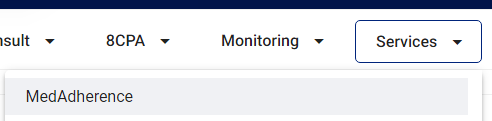
- View the Patient Information, including any patients notes, consultation history, medication list and more. Select the Services drop-down and select MedAdherence
- Under Patient Information, make sure all compulsory fields are filled out e.g Age range
- Under Consulting pharmacist details, today's date is pre-populated but can be changed. Select your profile from the Pharmacist drop-down

- In the Drugs involved section select the drug/s and manually enter any other drugs involved in the intervention

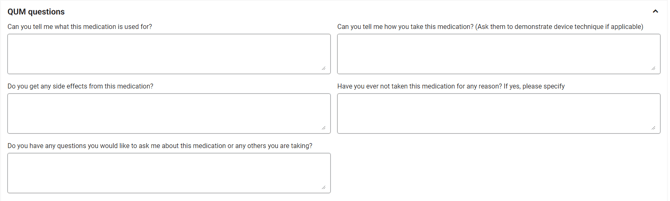
- Answer the QUM (Quality Use of Medicines) questions
- Select the Document category
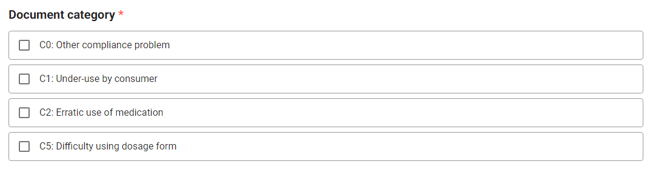
Please note: More than one category may be selected
- Select the Recommendation category
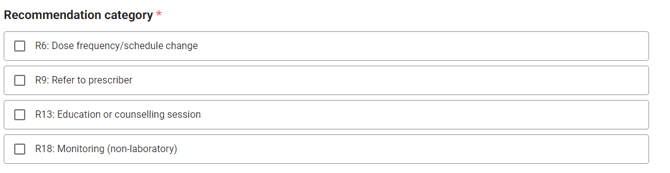
Please note: More than one category may be selected
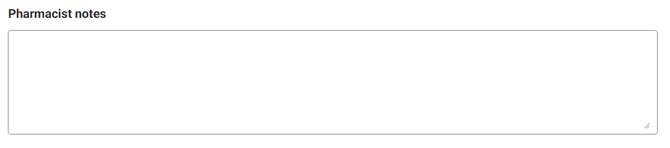
- Add any Pharmacist notes
- At the bottom and the top of the form you may select Delete, Save Draft and as long as you have filled out all compulsory fields, select Complete

- At the top of the form you can download, view and print the PDF Service summary