
If you run out of codes during a campaign and need to create (top up), please follow these steps:
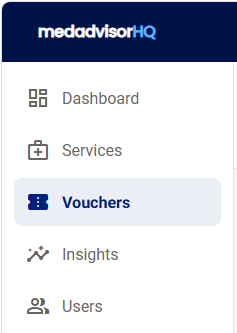
- In MedadvisorHQ, select Vouchers
-
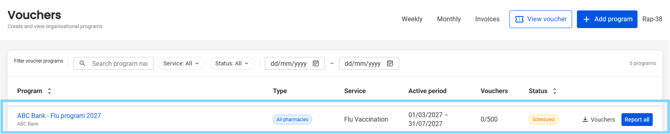
Select the Program from the list
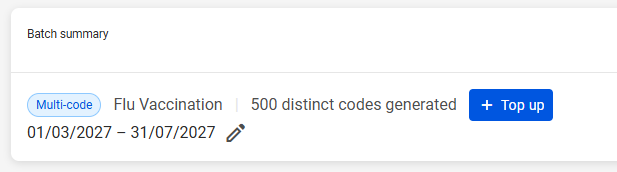
- Scroll down to Batch summary and select + Top up
-
Enter the number of extra codes needed and select Add
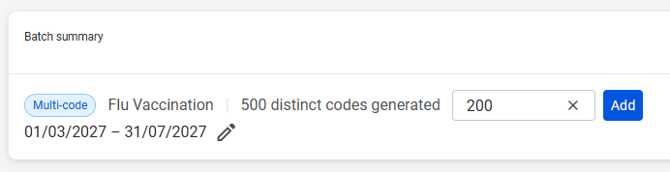
The number of distinct codes generated will be updated.