Use the Voucher Report in MedadvisorHQ to see who used each voucher, where and when.
What's in the report
- Booking ID
- Service ID
- Pharmacy name
- Patient first name and last name
- Voucher code
- Service
- Service date
- Organisation
- Program Name & Sub Campaign (where applicable)
- Reserved date
- Redeemed date
Please note: Each file covers one program only. Patient names appear only for programs where the patient agreed to share their name. Handle these reports in line with your privacy policy.
Download the report
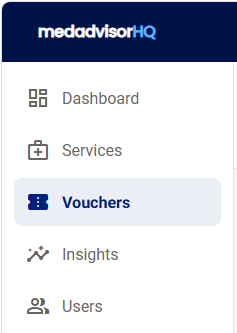
- Select Vouchers in the MedadvisorHQ menu
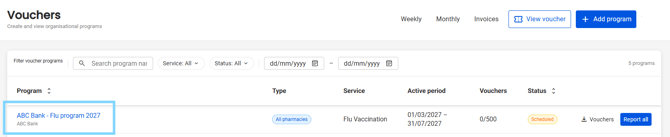
- Select the program from the list
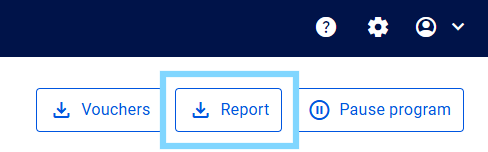
- Select Report
-
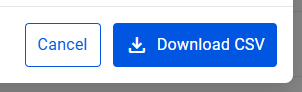
Select Download CSV