
To pause or resume a voucher program in MedadvisorHQ, please follow these steps:
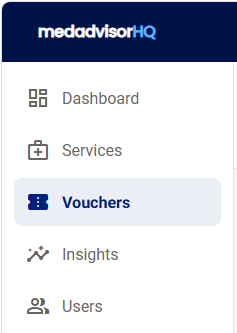
- In MedadvisorHQ, select Vouchers in the menu
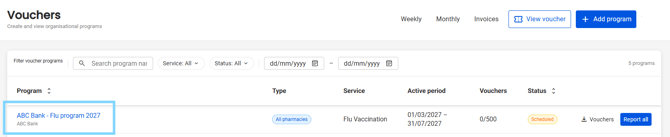
- Select the program from the list
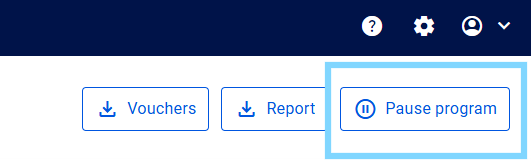
- Select Pause program
-
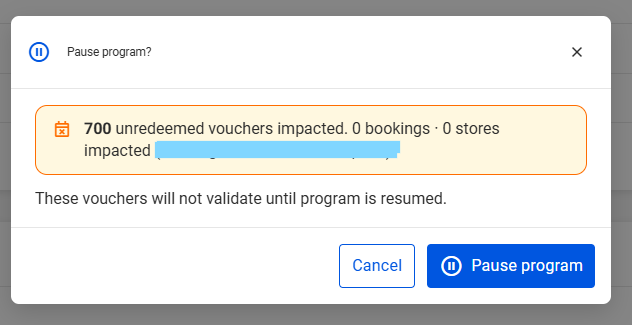
A pop-up will appear showing the total unredeemed vouchers impacted. Select Pause program to proceed
- The program is now paused. Repeat the above steps and select Resume program to make the program active

- Select Resume program
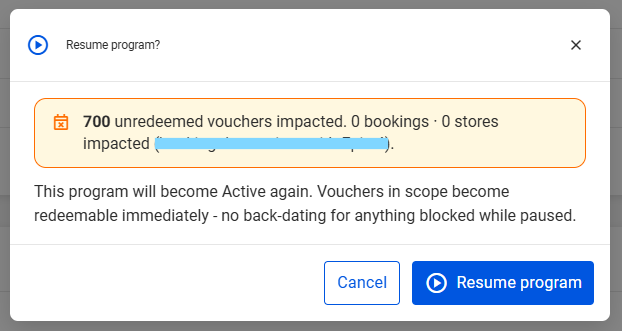
The program will now be active or scheduled, if the active period has not started yet.