
Please follow these steps:
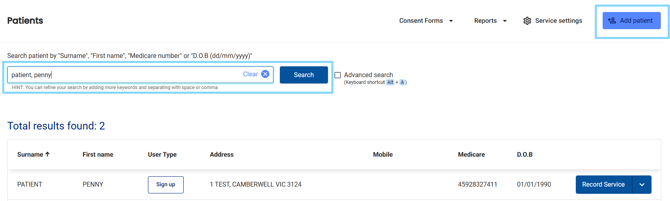
- In the Medadvisor for Pharmacy menu, select Patients

- Search for the patient, select from the recently dispensed list or select +Add patient
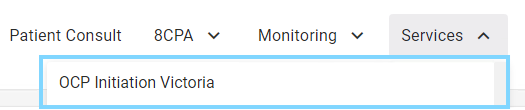
- Review the patient information, including notes, clinical summary, care opportunities and medication list. Select the Services drop down

- Select OCP Initiation VIC
- Under Patient information, ensure all compulsory fields are filled out including, date of birth and gender
- In the Consulting pharmacist details section, select your profile from the Pharmacist drop-down list OR select the + icon to add your details

- Under Pharmacist suitability, select if you have complete the training required and that the consultation is being provided in a private consult room
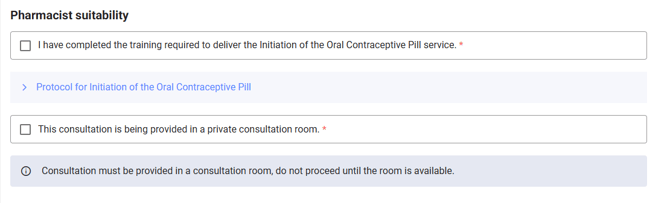
Please note: Select the Protocol for Initiation of the Oral Contraceptive Pill for more
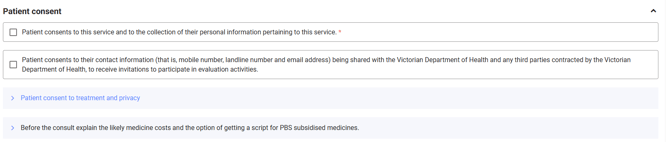
- Select the Patient consent checkboxes after the patient consents to the service and the collection and sharing of their personal information pertaining to this service
- Complete the Screening questions
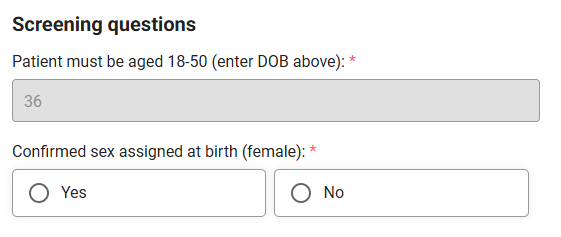
Please note: Age is pre-populated based on the date of birth listed in the Patient details section
- Complete the Clinical review, including patient history, relevant risk factors, smoking status, blood pressure, BMI and more
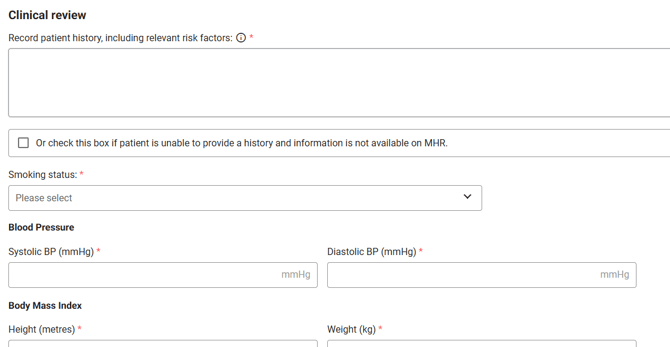
Please note: Select the (i) information tool tip for more info
- Complete the Treatment section, including selecting the treatment options and reason/s for referral
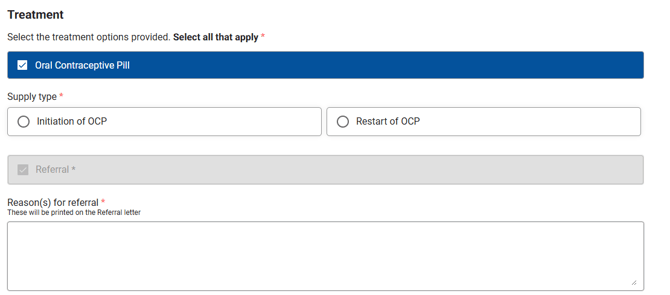
- Complete the Referral by selecting who to refer to and editing the message, as required. Referral is compulsory for this service.

- Under Consultation summary, ensure you communicate all points listed to the patient and select the checkbox to confirm all items have been completed during the consult
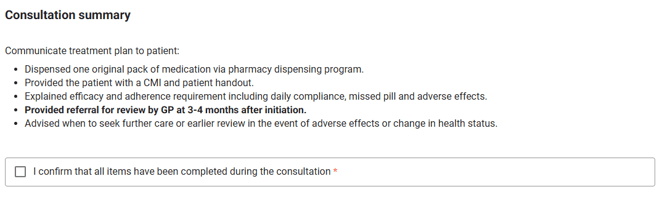
- Save a draft to review and come back to OR select Complete ensuring all compulsory fields have been filled out.

Once completed, the record will appear in the Patient dashboard under Recent Services
