
If the patient requires a pathology request, please follow these steps:
- Select the Yes tick box next to the question, Does the patient require a Pathology request? in the Measures section of the FSOP forms

- Select the tests required from the pathology list
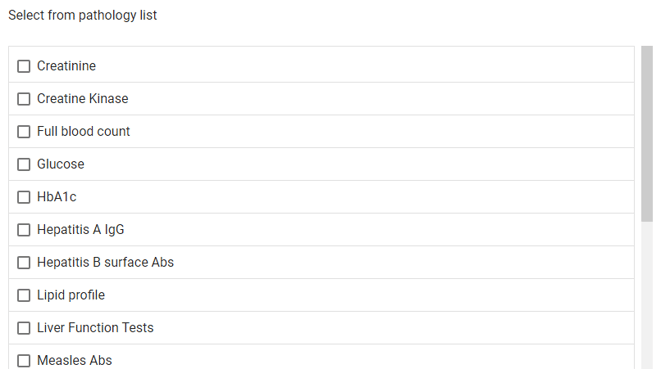
Please refer the Queenland Community Pharmacy Scope of Practice pilot handbook to view further steps on pathology requests, provided by the external provider - iMedical and/or iScreen.
- If/when a patient returns with a pathology report, select the Pathology report received checkbox

- You may upload any reports or documentation by selecting Upload files

- Select the file you would like to upload to the form and select Open. The file will appear in the Supporting files and images section
Please note: You can repeat the above step to upload multiple files and images