
When working across multiple pharmacies, you will need to enter a unique email address in the 'Prescribing and Secure Messaging' section of your pharmacist profile.
If you would like all secure messages to be delivered through a single email address, please follow these steps:
- In the web version of the software select Patients in the menu and select Service Settings
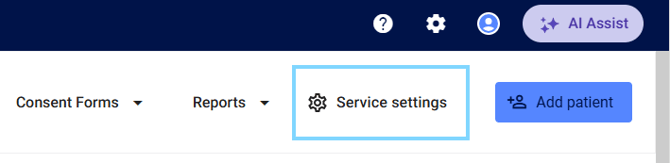
- Select Manage Pharmacists
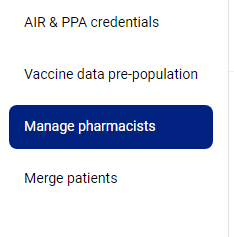
- Select your profile from the Pharmacist and select the pencil icon to edit
- Under Prescribing and secure messaging details, enter your work email e.g pharmacy@abcpharmacy.com
- Now add a '+' and the name of your location. E.g pharmacy+cairns@abcpharmacy.com
- Select Update details