
To re-open a form, please follow these steps:
- Search for the patient or select from the recently dispensed list and select the patient e.g Patient details
- Under RECENT SERVICES select the Community Pharmacy Scope of Practice Pilot form with the status Completed that you would like to update / reopen.
- At the top of the form, select Reopen
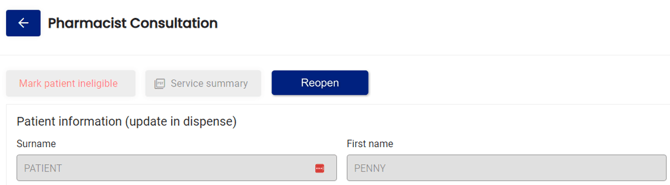
- A pop-up will appear where you must enter the reason for reopening the form and select Reopen
- Add notes, make changes or upload results, as required
- Select Complete
Please note: A record of the document being reopened and the reason will appear in the Document history.