
Please follow these steps:
- Select Patients in the menu

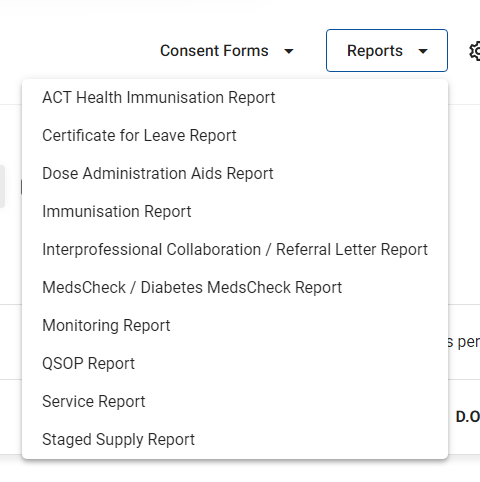
- Select the Reports drop down and click the report type e.g MedsCheck / Diabetes MedsCheck Report
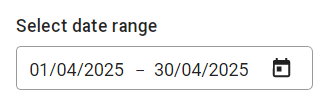
- This month's date range is pre-selected but can be changed by selecting the calendar icon and selecting your required date range
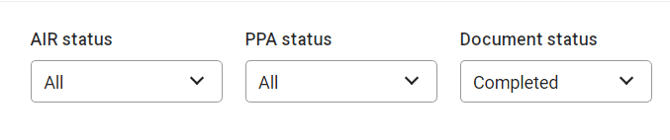
- Select PPA status and/or Document status to filter the report e.g Completed or Ineligible
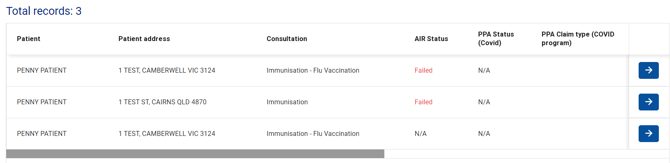
- The report will show all matching records. Select the arrow next to each record to view the service consultation
- In the top right-hand corner, select Download to view the various reports. Select the report type you would like to download e.g Claim file
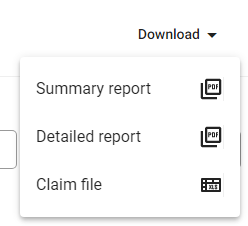
- The report will be available in your downloads folder